7 Recording and Playback
7.1 Recording a programme 47
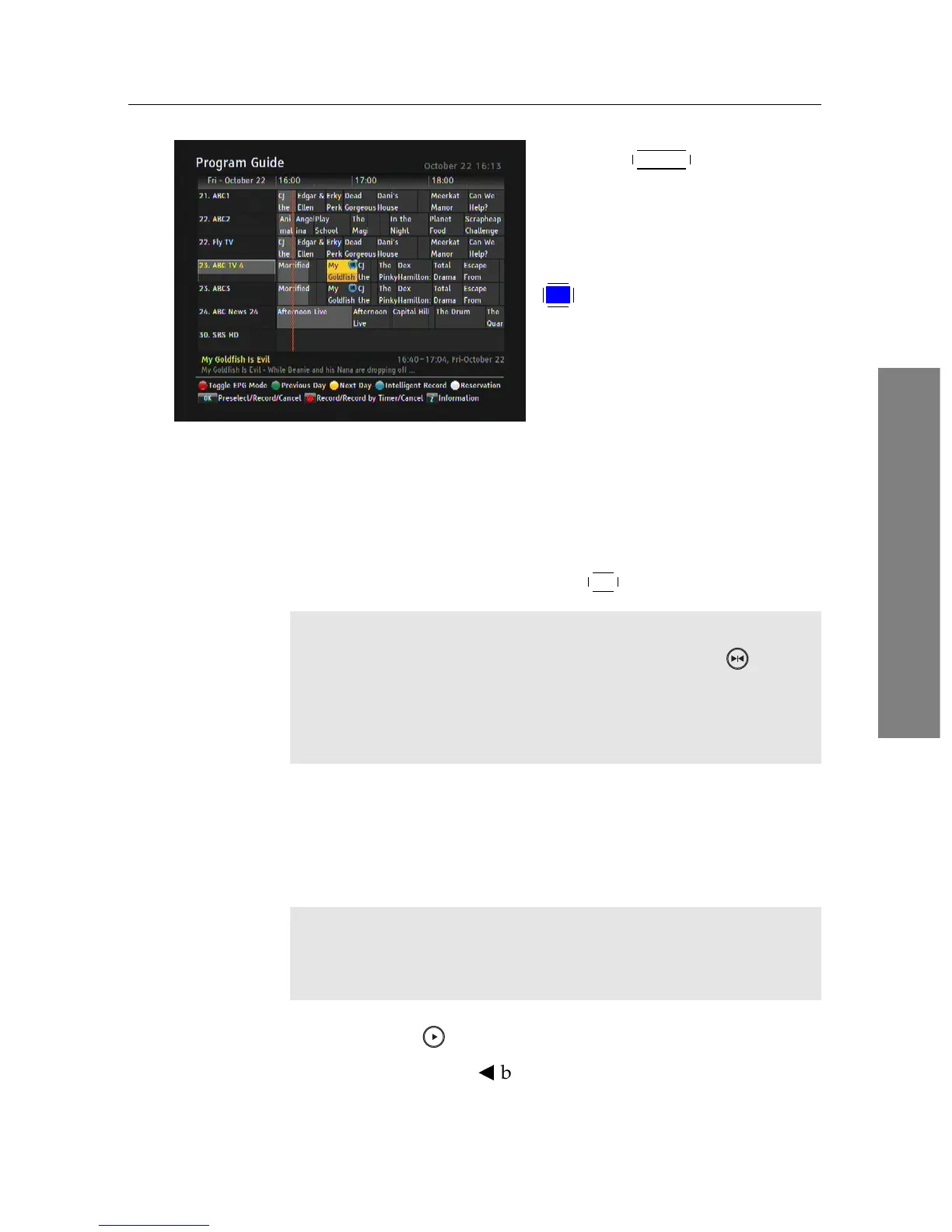
Press the
GUIDE button to dis-
play the EPG and highlight a
show you want to record with
the navigation buttons. To make
intelligent recording, press the
F4 button on the selected show,
then the letter IR is displayed in
blue circle.
At the same time you set the IR on your favorite show, the re-
ceiver will automatically detect the same service name on the
EPG. And then, on all other episodes of the show, the letter IR
in gray circle will be displayed that indicate the entire series of
the show are automatically scheduled to be recorded. If you
want to cancel the timer, press the
OK button.
NOTE
You can check the reservation list by pressing the button
on the EPG. IR is applied only to the shows that are properly
provided on the EPG. You can record up to 4 programs that
start at the same time simultaneously with IR.
7.1.4 Recording a time-shifted programme
While watching a programme with time-shift, you can record
it by performing the following steps:
NOTE
The whole timeshift buffer is recorded as one single file on
the hard drive.
1. Press the button to display the progress bar.
2. Hold down the
b
button to move back in timeshift.















 To Next Page