8 Entertainment
8.6 Network game 61
If you want to out of the game while palying, press the
EXIT
button on the remote control.
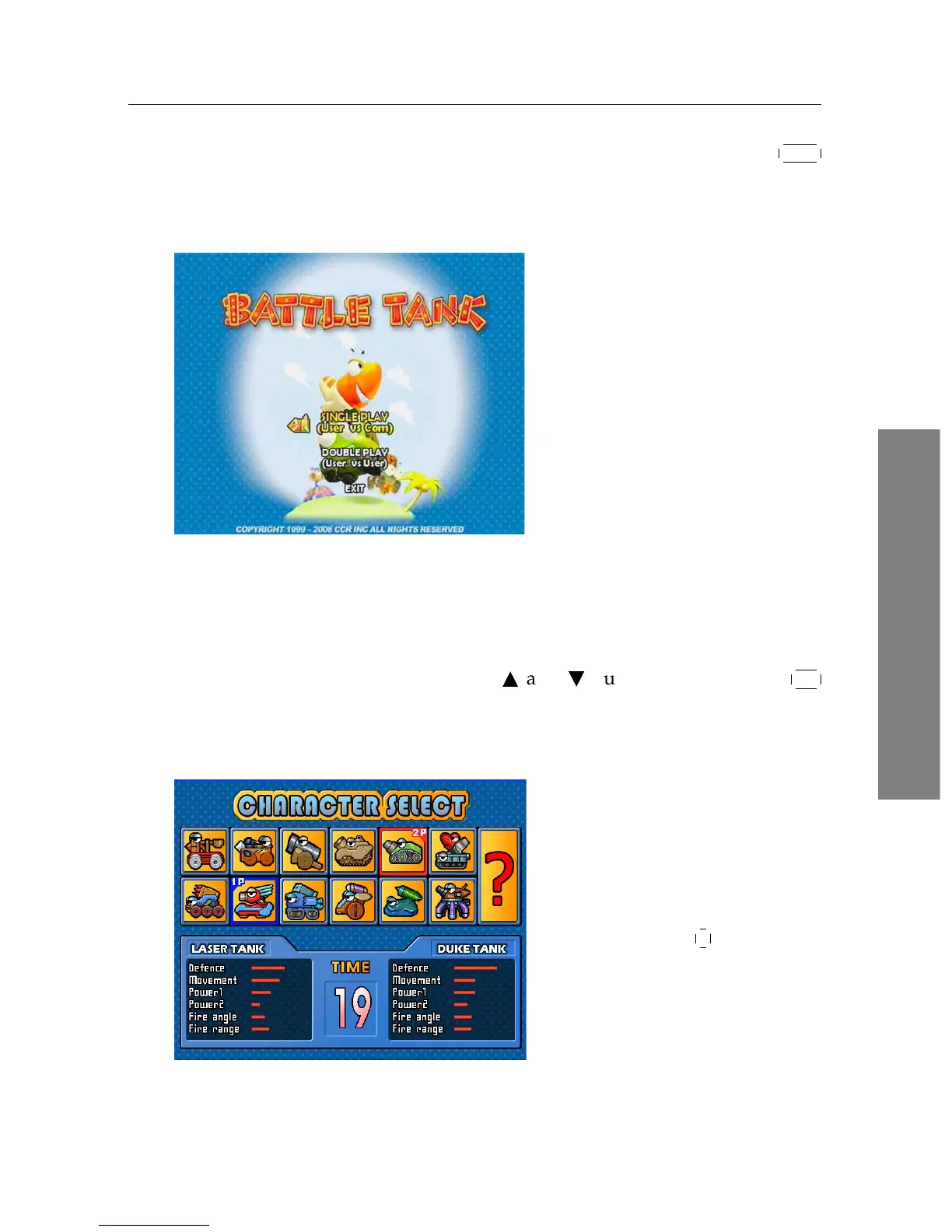
Selecting game mode
When you select the Entertain-
ment > Game > Battle Tank (Sin-
gle), you should see a screen like
the left figure.
You can select game mode as you
desire. If you want to out of the
game, select the EXIT option.
There are two modes as below:
Single play playing by yourself.
Double play playing with another user.
Select a mode with the
a
and
c
buttons and press the
OK
button.
Selecting a character
After selecting game mode, you
should see a screen like the left
figure.
Select a character referring to Ta-
ble 8.1.
If you select the
? , a character
will be chosen randomly.
When you play the game for the first time, you can select only















 To Next Page