10 Toppro Application Program
77
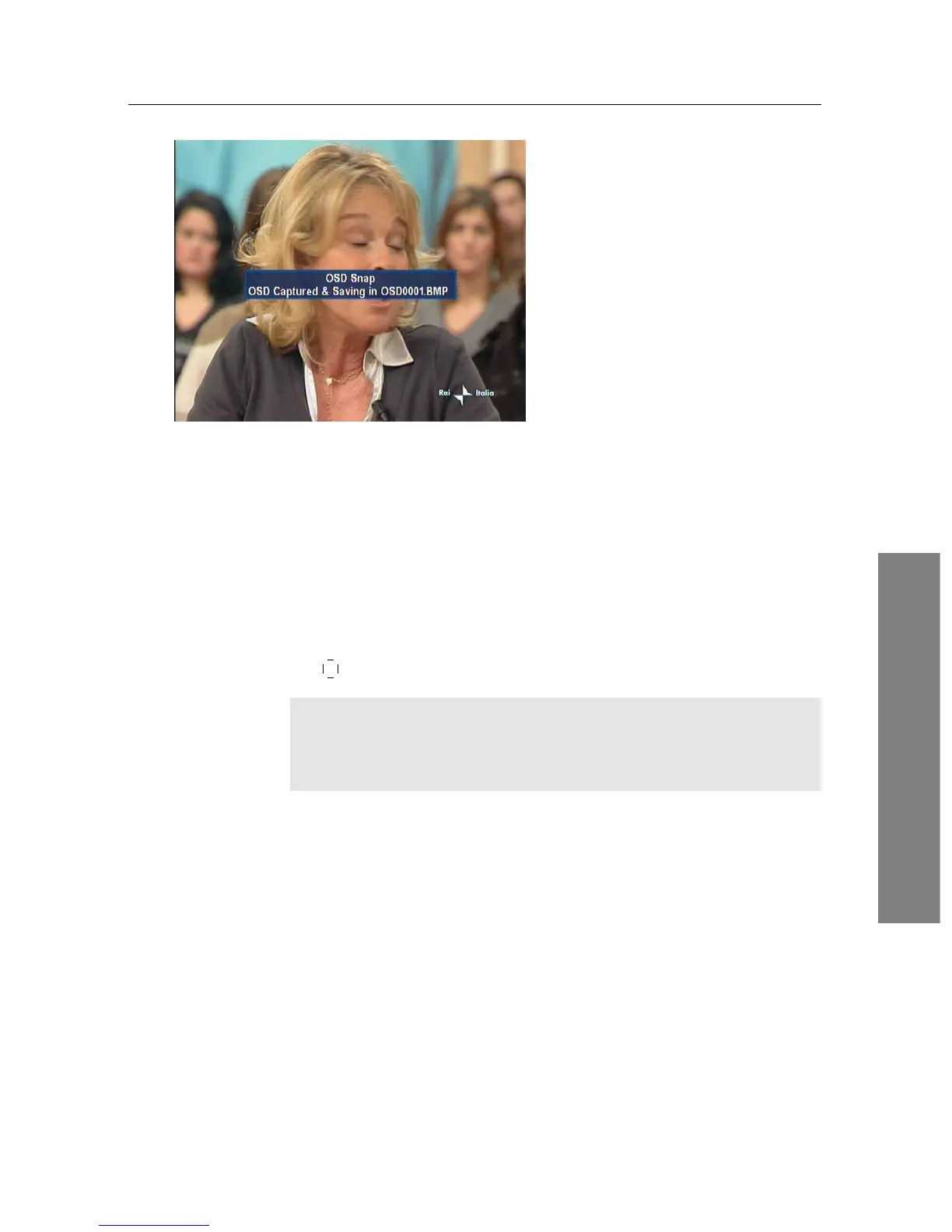
The figure on the left is a screen-
shot of ScreenCapture.tap, with
which you can capture screen in
bmp format from the digital re-
ceiver. Not only this TAP but a
lot of sample TAPs are available
in the TAP API.
By the way, the digital receiver will not show the list of the
screenshots saved by the ScreenCapture.tap because bmp files are
supposed to be ignored by the digital receiver. So, to view the
screenshots, you need to transfer them to your computer via
FTP.
If you want to have a program automatically run when the dig-
ital receiver starts up, then move the program file to the Au-
toStart folder. If you want to abort the execution of it, press
the
0 button at start-up.
NOTE
Toppro is not responsible for any results caused by a use of
unauthorised TAPs.















 To Next Page