20-EN T75 DES
Menu 3 basic settings and initial operation
Setting the door end positions (menu items 30 and 31)
The upper and lower limit switch must be set directly in succes-
sion.
1. Select menu 3 "Basic settings" in the control and go to
menu item30 "Door setting of upper end position", so that
the number30 blinks on the display.
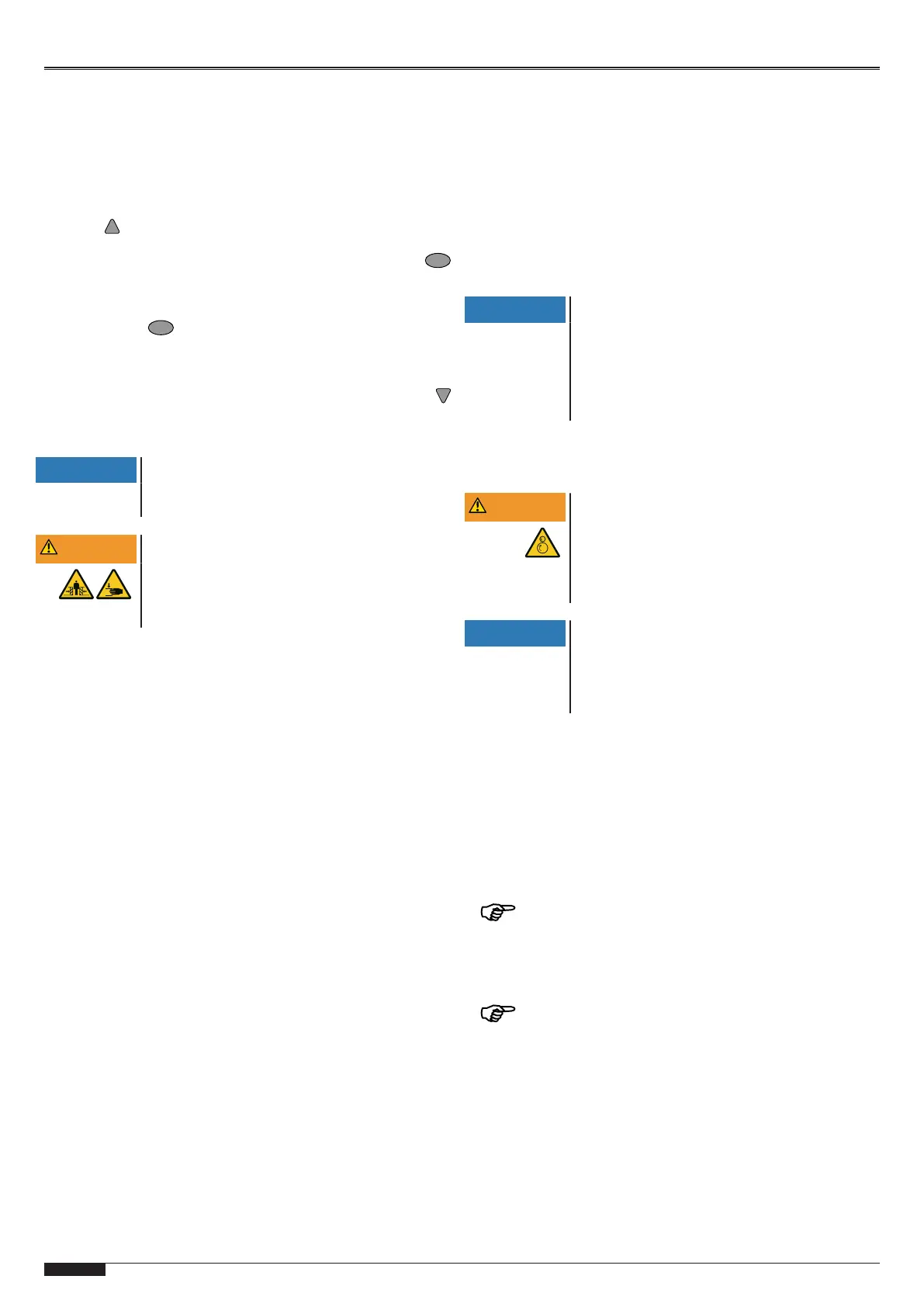
2. In order to define the upper end position, keep the but-
ton pressed until the door is completely open.
ð If the door moves in the wrong direction, a reversal of
the direction must be implemented. Keep the button
pressed for 5seconds and then repeat step2.
3. When the upper end position has been set, the lower end
position must be adjusted. Exit menu item 30 by pressing
the button once. The numeric point on the LED display
blinks 5times and in this way confirms the entry.
4. Switch to menu item 31 "Door setting of lower end posi-
tion".
5. In order to define the lower end position, keep the button
pressed until the door is completely closed.
6. Confirm the entry to complete the setting process.
NOTICE
The door must be spring balanced.
Depending on the driven the door must be spring
balanced.
WARNING
Crush hazard and risk of being struck by the
closing door
Ensure that no closing edge or photoelectric
sensor monitoring is active whilst the end posi-
tions are set.
Fine adjustment of the door end position at the top (menu
item33) and at the bottom (menu item34)
1. Select menu 3 "Basic settings" in the control and go to
menu item33 "Fine correction upper end position".
ð The preset value50 blinks on the LED display.
2. Values 0 to 99 are provided to you for carrying out a fine
correction. Values of 50 (default setting) to 0 correspond to
0mm to approx. -80mm. Values from 50 to 99 correspond
to 0mm to approx. +80mm.
3. Confirm the entry and switch to menu item34 "Fine correc-
tion lower end position".
4. Values 0 to 99 are provided to you for carrying out a fine
correction. Values of 50 (default setting) to 0 correspond to
0mm to approx. -80mm. Values from 50 to 99 correspond
to 0mm to approx. +80mm.
Selection of closing edge J3 / selection of photoelectric
sensorJ2 (menu items35 and 36)
1. Select menu 3 "Basic settings" in the control and go to
menu item35 "Closing edge selection".
2. Select a value corresponding to the desired setting.
3. Confirm the entry and switch to menu item36 "Photoelec-
tric sensor selection".
4. Select a value corresponding to the desired setting.
5. Confirm the entry to complete the setting process.
Switch-off position of pre-limit switch (menu item37)
1. Select menu 3 "Basic settings" in the control and go to
menu item 37 "Correction of pre-limit switch closing edge
safety".
ð The preset value25 blinks on the LED display.
2. Set the switch-off position so that a maximum distance of
50mm to the ground contact is generated. Values between
0 and 99 are provided to you for this purpose. Values of 25
(default setting) to 0 correspond to 0 mm to approx.
-50 mm. Values from 25 to 99 correspond to 0 mm to
approx. +100mm.
3. Confirm the entry to complete the setting process.
NOTICE
Compliance with standard EN12453
Check the switch-off position of the door after
every setting you have carried out. The switch-off
setting must correspond to a maximum distance
from the ground of 50mm, otherwise compliance
with the standard EN12453 is not ensured. This
might result in the loss of certification.
Menu 4 Further door settings
Opening force limit (menu item48)
WARNING
Danger of entanglement on the door leaf by
persons standing or sitting on the door while
it is moving!
The force limitation must be set so as to prevent
persons from being able to stand or sit on the
door while it is moving.
NOTICE
Force limitation can only be utilized for doors
with spring balancing.
Environmental impacts like wind load and tem-
perature variations may lead to unintentional trig-
gering of the force limitation function.
Carry out the following settings for opening force limitation in
menu item48 in compliance with the motor used:
Motor 9.24/5.24 Input value = U x weight / 20kg
Motor 14.15 Input value = U x weight / 15kg
U = shaft revolutions for the complete door opening
Weight = additional weight at the gate
Example: Motor 9.24, U=8 revolutions for door opening. Switch-
off is to be effected at an additional weight of 60kg.
8 x 60kg / 20kg=24 (input value)
The results are only to be considered as approximate
values. For an exact calculation, perform a force measurement
process.
The opening cycles are compared to the previous travel process.
If the value set is exceeded, the door stops and F33 appears on
the LED display.
Afterwards, the door can only be closed in dead man
mode.
Eliminate the cause of the excess of force, then open and close
the door once.


 To Next Page
 Loading...