14
ASSEMBLY AND OPERATION
NOTE: Follow Battery Charging instructions on pg. 8 before moving on to next step.
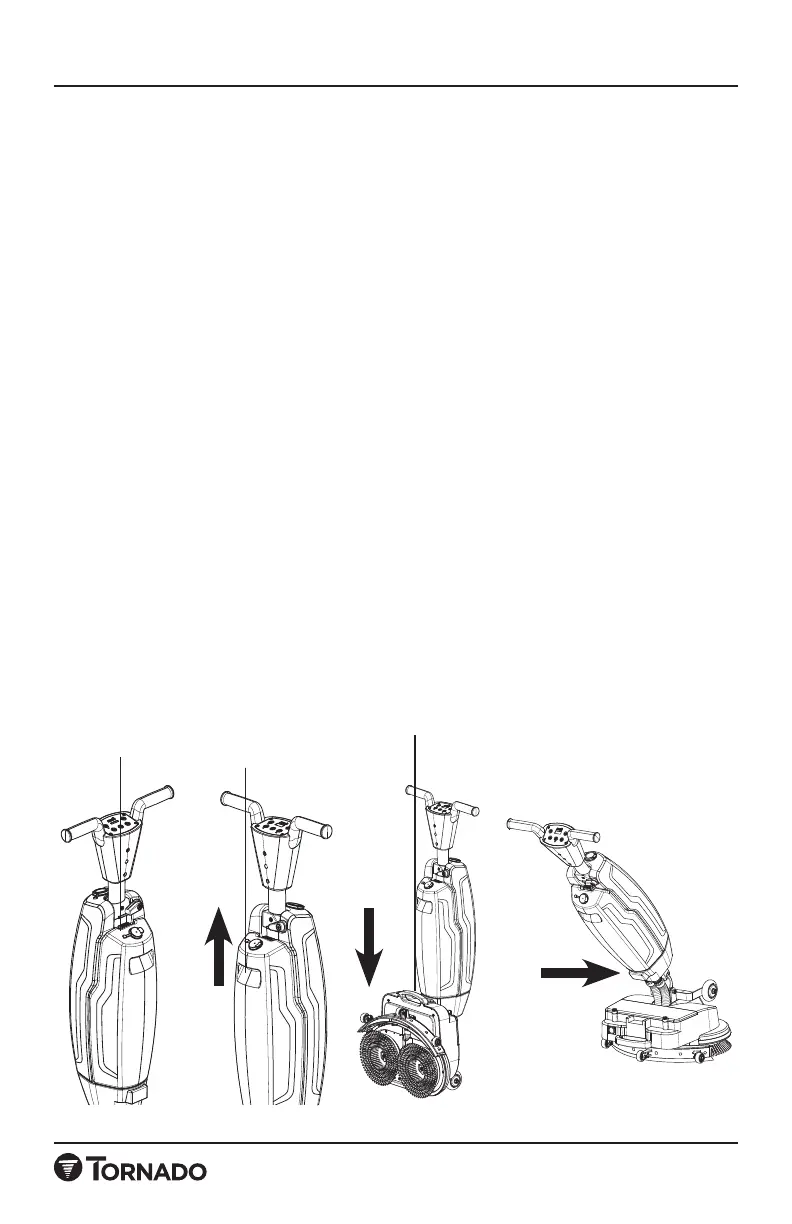
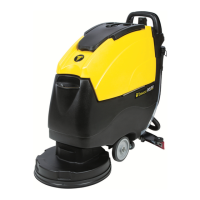
6. Press the latch of the solution tank, unlock it, lift it up from the handle, and
remove the solution tank to add water.
(Picture 6) Replace the solution tank after adding water/solution.
NOTE: Add clean water at a temperature between 50° and 120° F (10 and 49 C).
Adding water above 120° may damage components.
NOTE: Do not add cleaners with an acid PH 4 or lower, or an akali PH higher than
10 into solution tank, and the cleaners should not contain oxidants, chlorine or
bromine, formaldehyde, or mineral solvents,so as to avoid damaging hose and
components and affecting the service life of the machine.
WARNING: If using a defoamer agent it must be placed in the recovery tank
according to the dilution rate on the bottle of the detergent, otherwise the
generated foam will reduce the recovery tank capacity and may cause the vacuum
motor to fail.
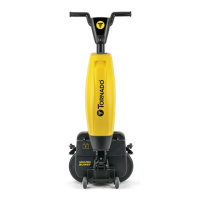
7. Use the base handle to put the machine into the working mode, hold the
handle with both hands, and select the corresponding mode to start working.
(Picture 7)
8. Hold the handle with both hands and push forward the cleaning operation.
The machine can rotate 360 degrees, which is very suitable for cleaning narrow
areas.
NOTE: The machine can not be used in the reverse direction with the squeegee
facing forward and the brush facing backward.
Solution Tank
Latch
Solution Tank
Handle
Base Handle
Picture 6 Picture 7



 To Next Page