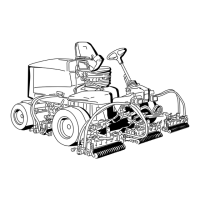
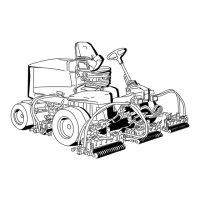
Tilt-SteeringPedal
Totiltthesteeringwheeltowardyou,pressthefoot
pedaldown,pullthesteeringtowertowardyouto
themostcomfortableposition,andreleasethepedal
(Figure20).
Engine-SpeedSwitch
Theengine-speedswitchhas2modestochangethe
enginespeed(Figure21).Bymomentarilytappingthe
switch,youcanchangetheenginespeedin100rpm
increments.Ifyouholdtheswitchdown,theengine
automaticallymovestoHighorLowidle,depending
onwhichendoftheswitchyoupress.
g021208
Figure21
1.Lowermow/raisecontrol
lever
4.Enable/disableswitch
2.Keyswitch5.Engine-speedswitch
3.InfoCenter
6.Headlightswitch
Enable/DisableSwitch
Usetheenable/disableswitchinconjunctionwiththe
lowermow/raisecontrollevertooperatethecutting
units(Figure21).
InfoCenter
TheInfoCenterLCDdisplayshowsinformationabout
yourmachine,suchastheoperatingstatus,various
diagnostics,andotherinformationaboutthemachine
(Figure21).
KeySwitch
Thekeyswitchhas3positions:Off,On/Run,and
Start(Figure21).
LowerMow/RaiseControlLever
Thisleverraisesandlowersthecuttingunitsandalso
startsandstopsthecuttingunitswhenthecutting
unitsareenabledintheMOWmode(Figure21).You
cannotlowerthecuttingunitswhenthemow/transport
leverisinthetransportposition.
HeadlightSwitch
Pivottheswitchdownwardtoturnontheheadlights
(Figure21).
BacklapLevers
Usethebacklapleversinconjunctionwiththelower
mow/raisecontrolleverforbacklappingthereels
(Figure22).
g021209
Figure22
1.Backlaplevers
Hydraulic-Filter-Restriction
Indicator
Withtheenginerunningatnormaloperating
temperature,ensurethattheindicatorisintheGreen
zone(Figure23).WhentheindicatorisintheRed
zone,changethehydrauliclters.
20



 To Next Page