3 SETTING ITEMS (USER)
98 SETTING DRAWER
SETTING DRAWER
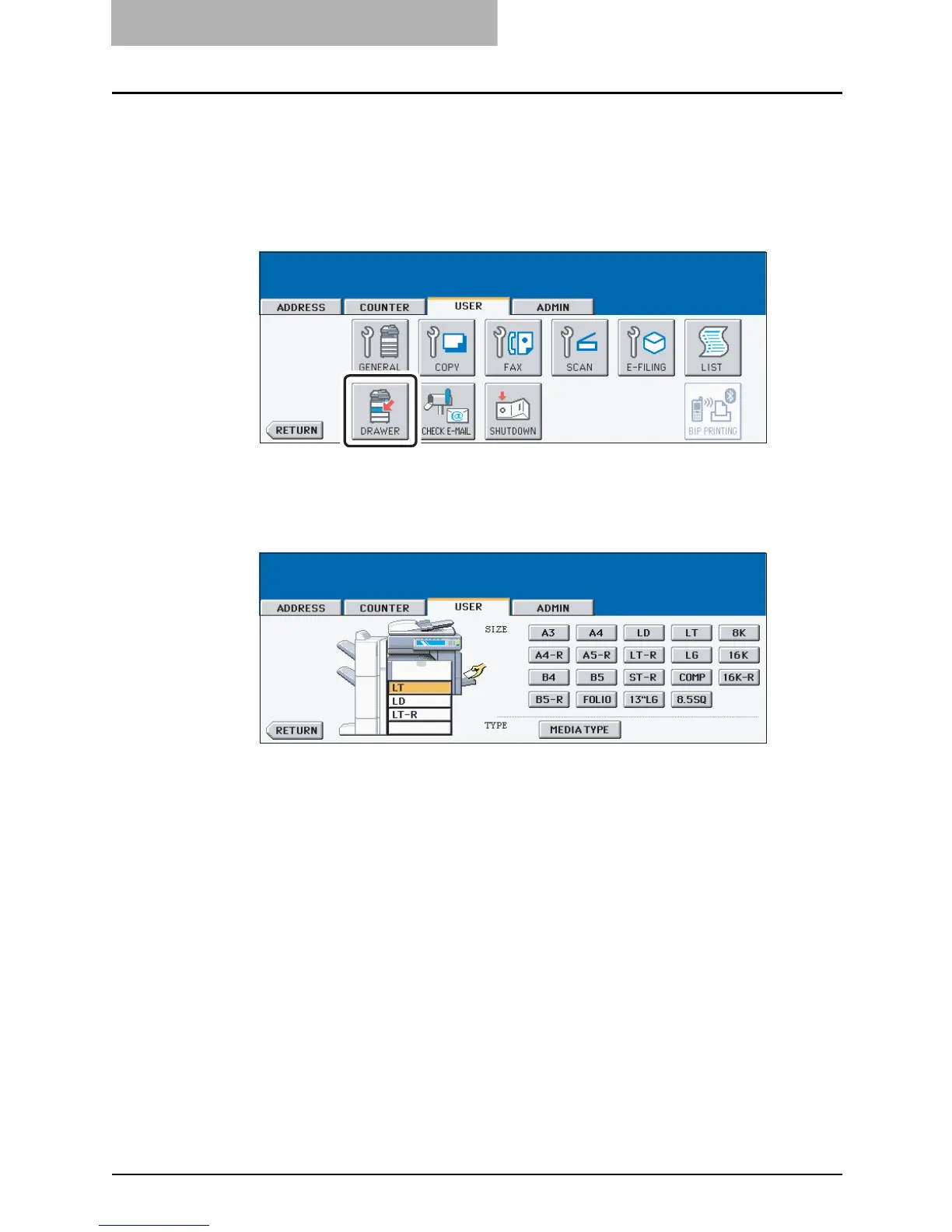
This function allows you to set the paper size and paper type of each drawer.
1
Press the [USER FUNCTIONS] button on the control panel to enter
the User Functions menu.
2
Press the [USER] button, and then press the [DRAWER] button on
the touch panel.
3
Press the drawer portion in the illustration to highlight the drawer
where you want to change the paper size, then press the desired
paper size button.
y When you press the paper size button, the selected paper size will be displayed in the
drawer in the illustration.
4
Press the [MEDIA TYPE] button.



 To Next Page
 Loading...






