1 MANAGING ADDRESS BOOK (ADDRESS MENU)
10 MANAGING ADDRESS BOOK
MANAGING ADDRESS BOOK
About Managing Contacts in Address Book
The Address Book contents are entered using the [ADDRESS] button. The Address Book con-
tents are used for Facsimile and Scan to E-mail.
In Address Book, you can register up to 1000 contacts that can contain a fax number, an E-mail
address, or both in each contact. Also you can specify the option settings for the fax transmis-
sion in each contact, such as Transmission type, ECM, Quality transmission, Line select, and
subaddress settings.
In the Address Book button menu, you can perform following operations to manage contacts.
y P.10 “Registering Contacts”
y P.14 “Editing Contacts”
y P.16 “Deleting Contacts”
y P.18 “Searching Contacts”
Registering Contacts
The following procedure describes how to register new contact in the Address Book.
1
Press the [USER FUNCTIONS] button on the control panel to enter
the User Functions menu.
2
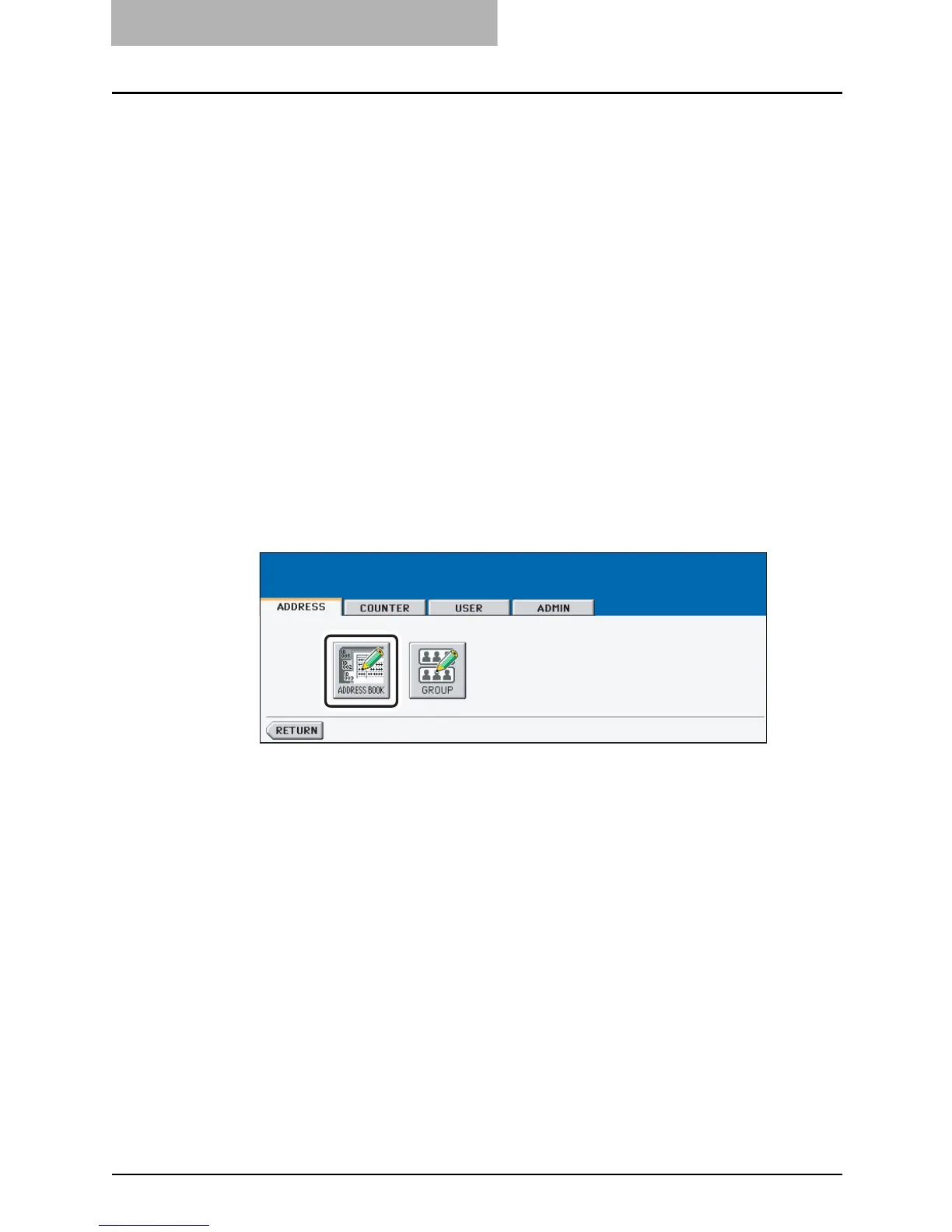
Press the [ADDRESS] button, and then press the [ADDRESS
BOOK] button on the touch panel.
y The ADDRESS BOOK screen is displayed.



 To Next Page
 Loading...






