4 SETTING ITEMS (ADMIN)
122 SETTING GENERAL FUNCTIONS
Setting the Sleep Mode
This function allows this equipment goes into the sleep mode that stands by with the minimum
power consumption.
This is not available for the European version.
1
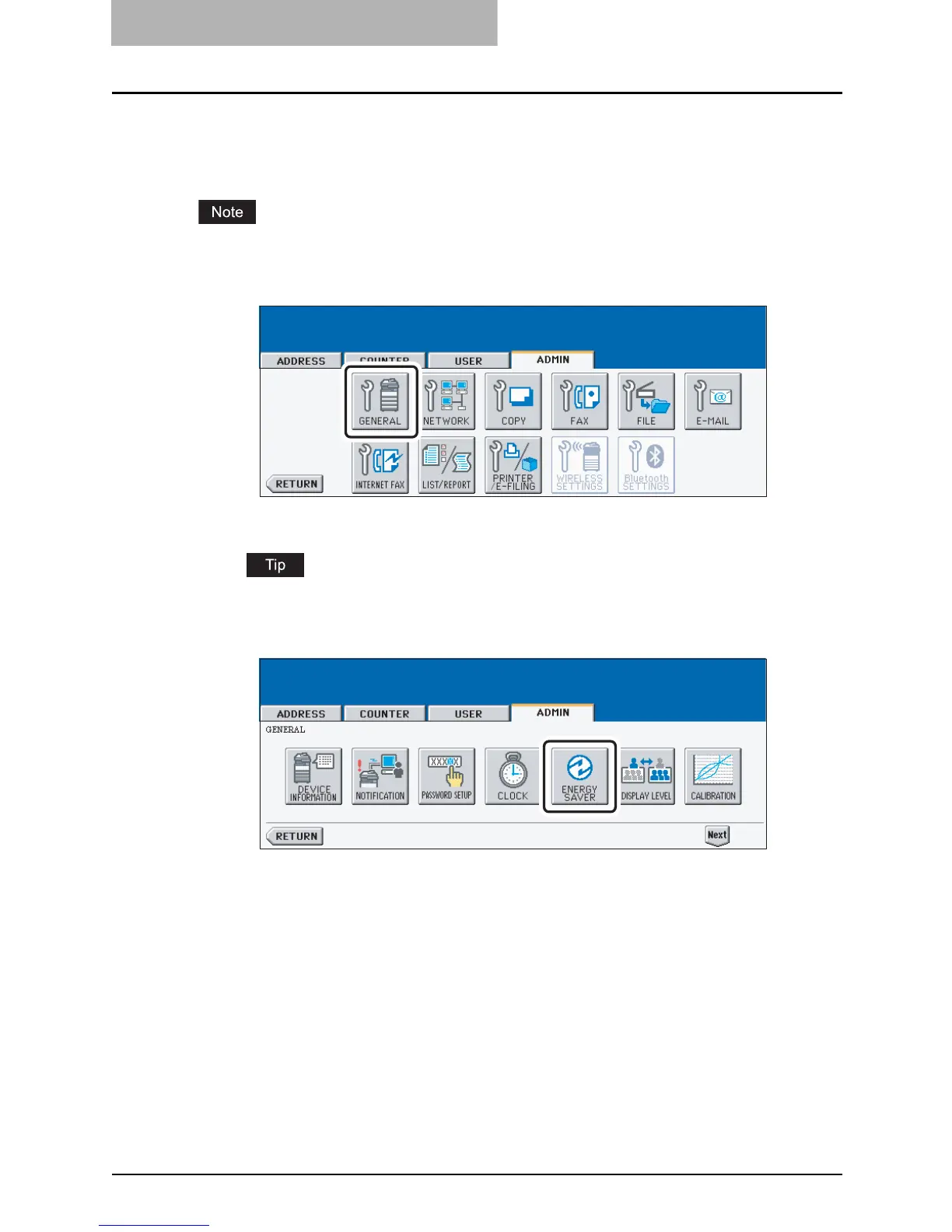
Press the [GENERAL] button in the ADMIN menu.
y The GENERAL menu is displayed.
To display the ADMIN menu, see "ENTERING TO ADMIN MENU". P.107
2
Press the [ENERGY SAVER] button.
y The ENERGY SAVER menu is displayed.



 To Next Page
 Loading...






