4 SETTING ITEMS (ADMIN)
148 SETTING NETWORK FUNCTIONS
y If you enter “0.0.0.0” for [WINS PRIMARY] and [WINS SECONDARY], this equipment
will not use the WINS server.
y When [DYNAMIC] or [NO AUTO IP] is selected for the Address Mode in the TCP/IP
setting, this equipment can obtain the IP address for [WINS PRIMARY] and [WINS
SECONDARY] from the DHCP server.
4
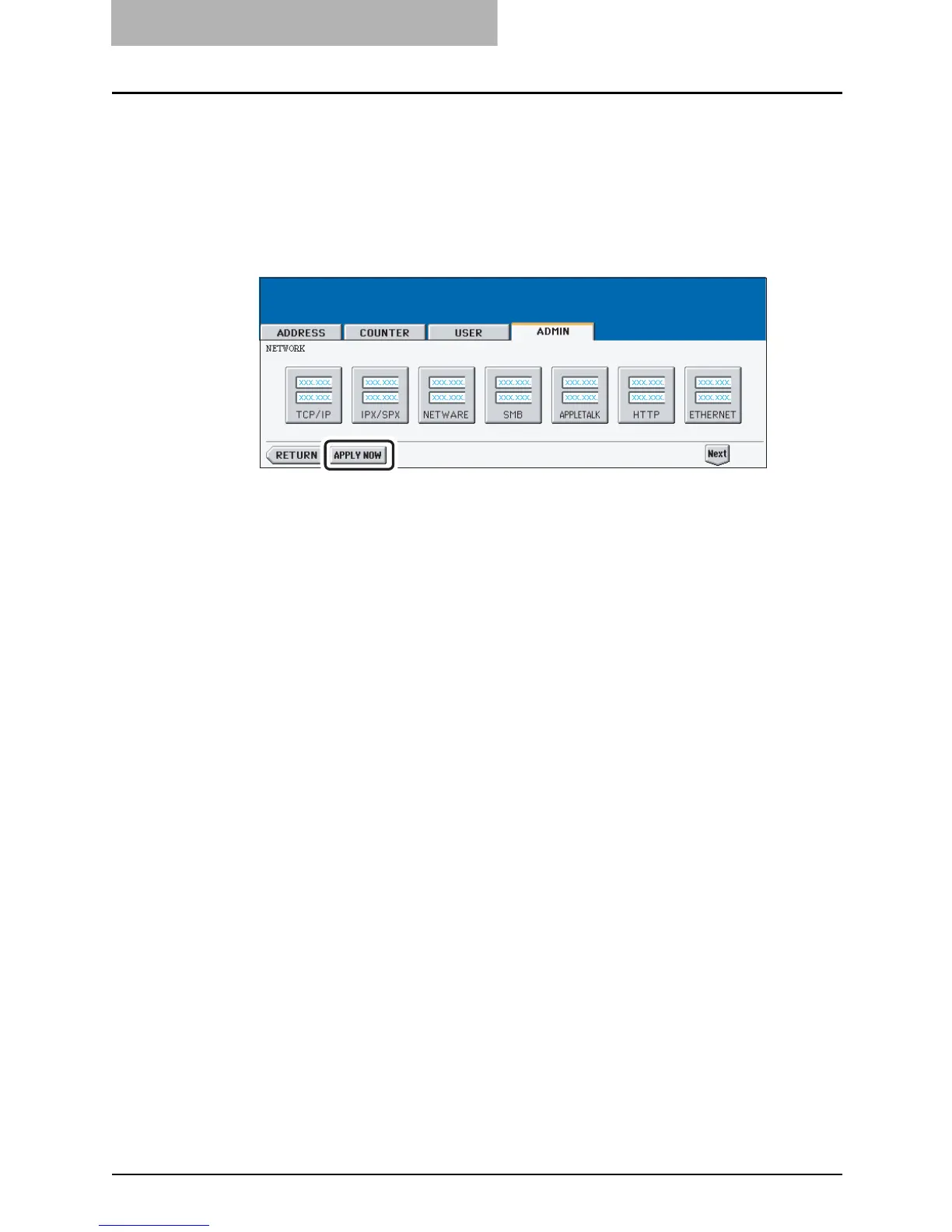
Continue to another network setting if required, then press the
[APPLY NOW] button.
y The "NETWORK INITIALIZING" message is displayed and this equipment starts ini-
tializing the network interface card to apply the changes.



 To Next Page
 Loading...






