4 SETTING ITEMS (ADMIN)
172 SETTING FAX FUNCTIONS
2
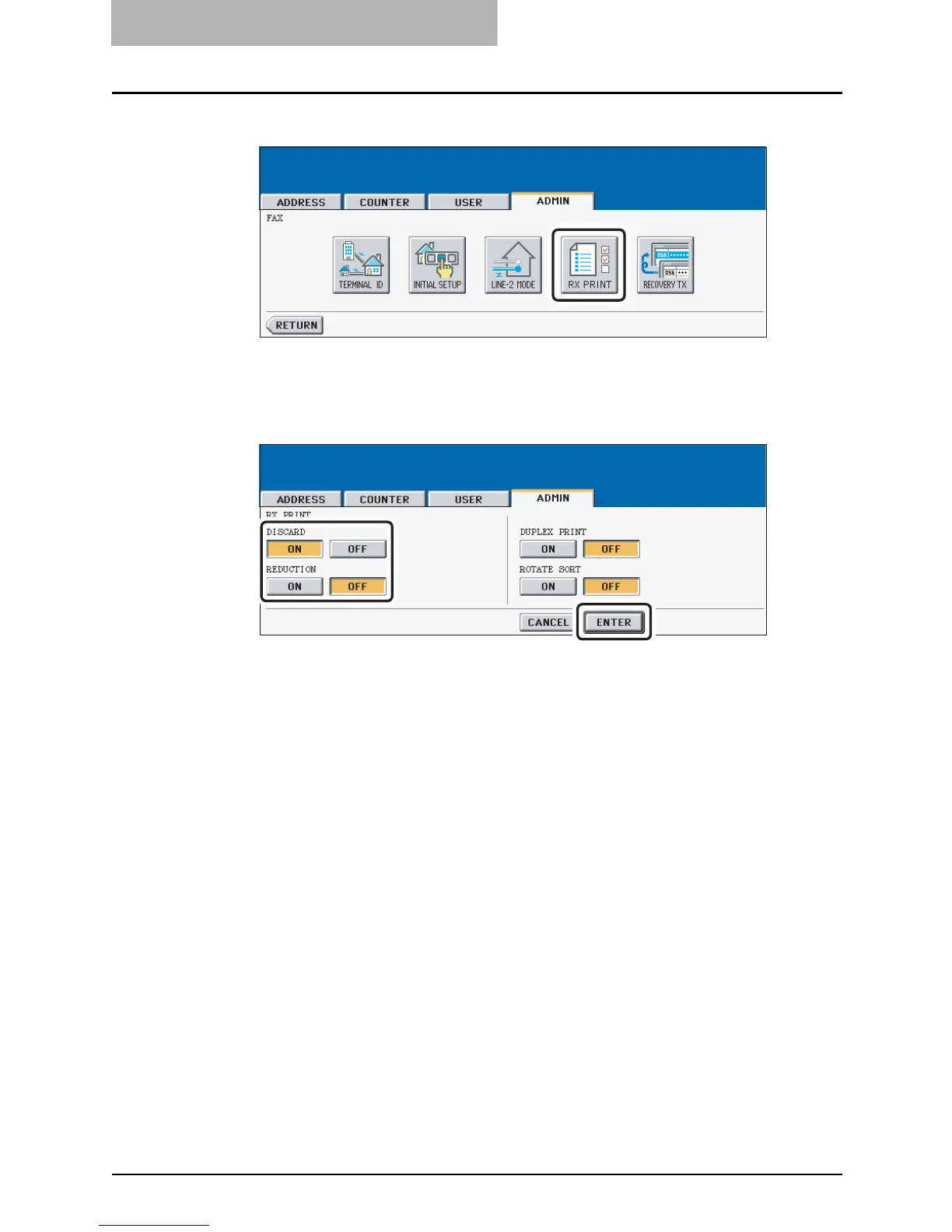
Press the [RX PRINT] button.
y The RX PRINT screen is displayed.
3
Press the [ON] (or [OFF]) button of the “DISCARD” and/or “REDUC-
TION”.
4
Press the [ENTER] button.
y The registered items can be confirmed in the function list. P. 1 9 2



 To Next Page
 Loading...






