SETTING FAX FUNCTIONS 89
5
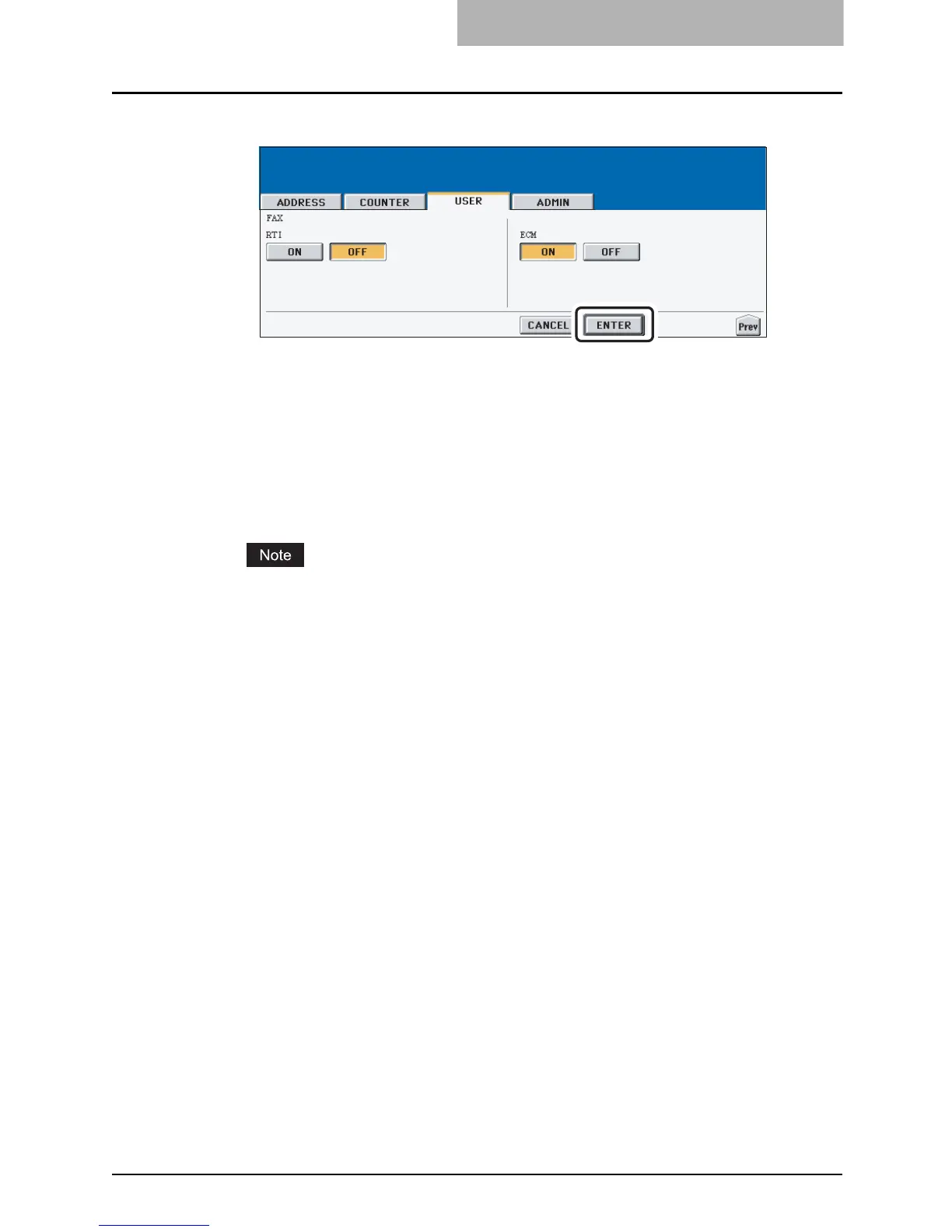
Specify the following items as you require.
y In the “RTI” option, specify whether the RTI is enabled or disabled as default setting.
[ON] — Press this to print a reception header (RTI) on received faxes to clearly iden-
tify the time, date, and page count of received faxes.
[OFF] — Press this not to print a reception header (RTI) on received faxes.
y In the “ECM” option, specify whether the ECM is enabled or disabled as default set-
ting.
[ON] — Press this to enable the ECM (Error Correction Mode) to automatically re-
send any portion of the document affected by phone line noise or distortion.
[OFF] — Press this to disable the ECM.
The “RTI” and “ECM” options are available only when the optional Fax unit is installed.
6
Press the [ENTER] button.
y The default settings for each mode are changed as you specified.



 To Next Page
 Loading...






