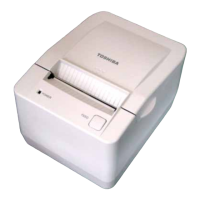
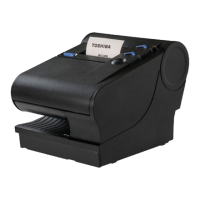
3. APPEARANCE
3. 3 Connectors
3-3
EO1-13021
3.3 Connectors
CAUTION!
1.The drawer interface connector is exclusively for connecting the drawer. Do not connect a phone
line or any other cables than the drawer cable to this connector. Doing so may cause a failure of
the phone line and this printer.
2.To the DC24V connector (socket connector), do not connect anything other than the built-in AC
adapter.
3.The built-in AC adapter is exclusively for this printer. Do not use it for any other machines.
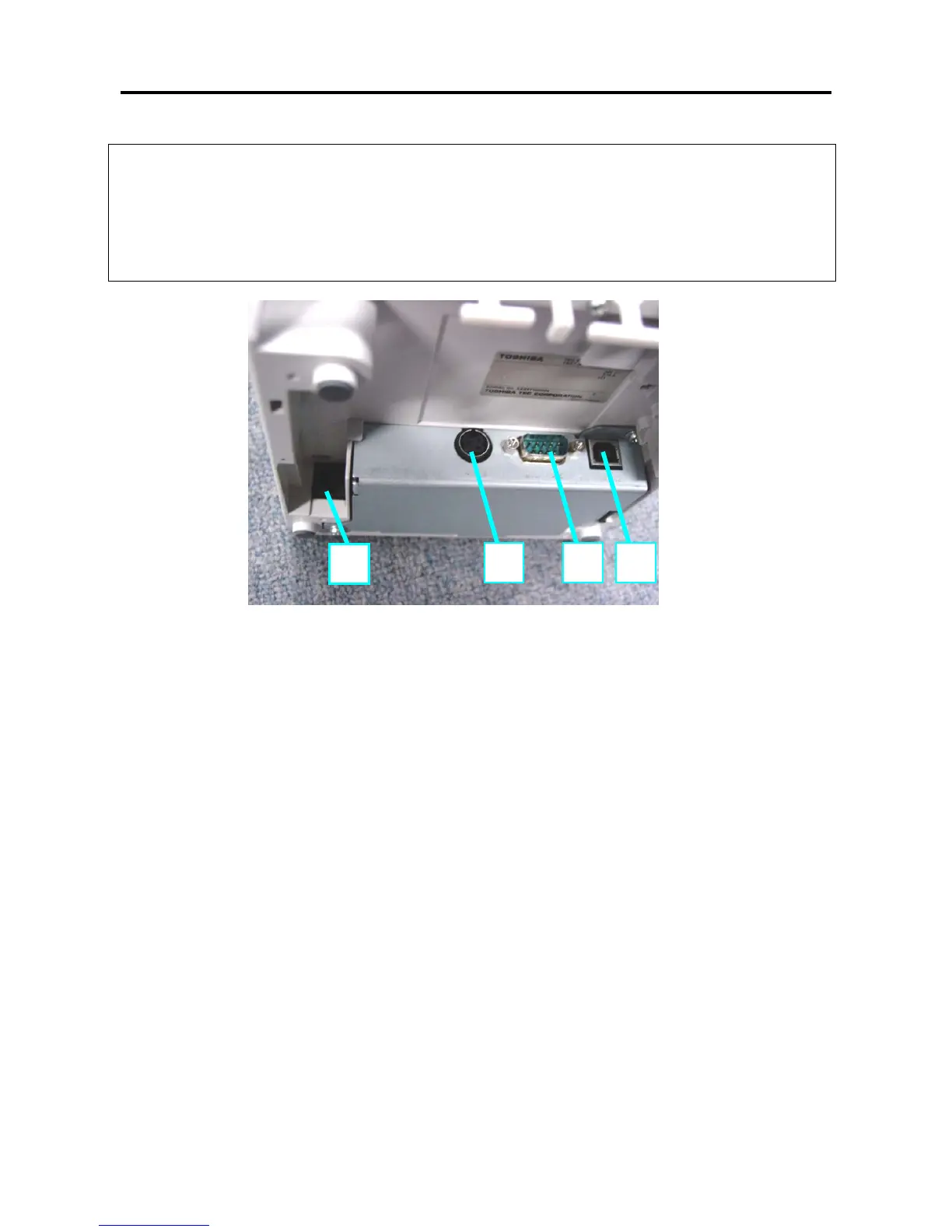
1
[DC24V] (Socket connector)
The built-in AC adapter supplies +24V power to the printer through this connector. Do not connect
anything other than the TOSHIBA TEC Specified AC adapter.
2 [Serial interface connector]
An interface cable which connects the printer to a POS terminal or Personal Computer is connected to
this connector. A RS-232C interface cable (Serial I/F model) is needed for this connector.
3 [USB interface connector]
An interface cable which connects the printer to a POS terminal or Personal Computer is connected to
this connector. A USB I/F (V2.0 Full Speed) is needed for this connector.
4 [Drawer interface Connector] [CDKO] (6 pin modular connector)
A drawer cable which connects the printer to a drawer is connected to this connector. To this connector,
a TOSHIBA drawer can be connected. Do not connect anything other than the connectable drawer.
NOTE: For connectable drawers, refer to your nearest authorized TOSHIBA TEC representati
ve.
1 2 3
4



 To Next Page
 Loading...