TWP Weighing Indicator Service Manual
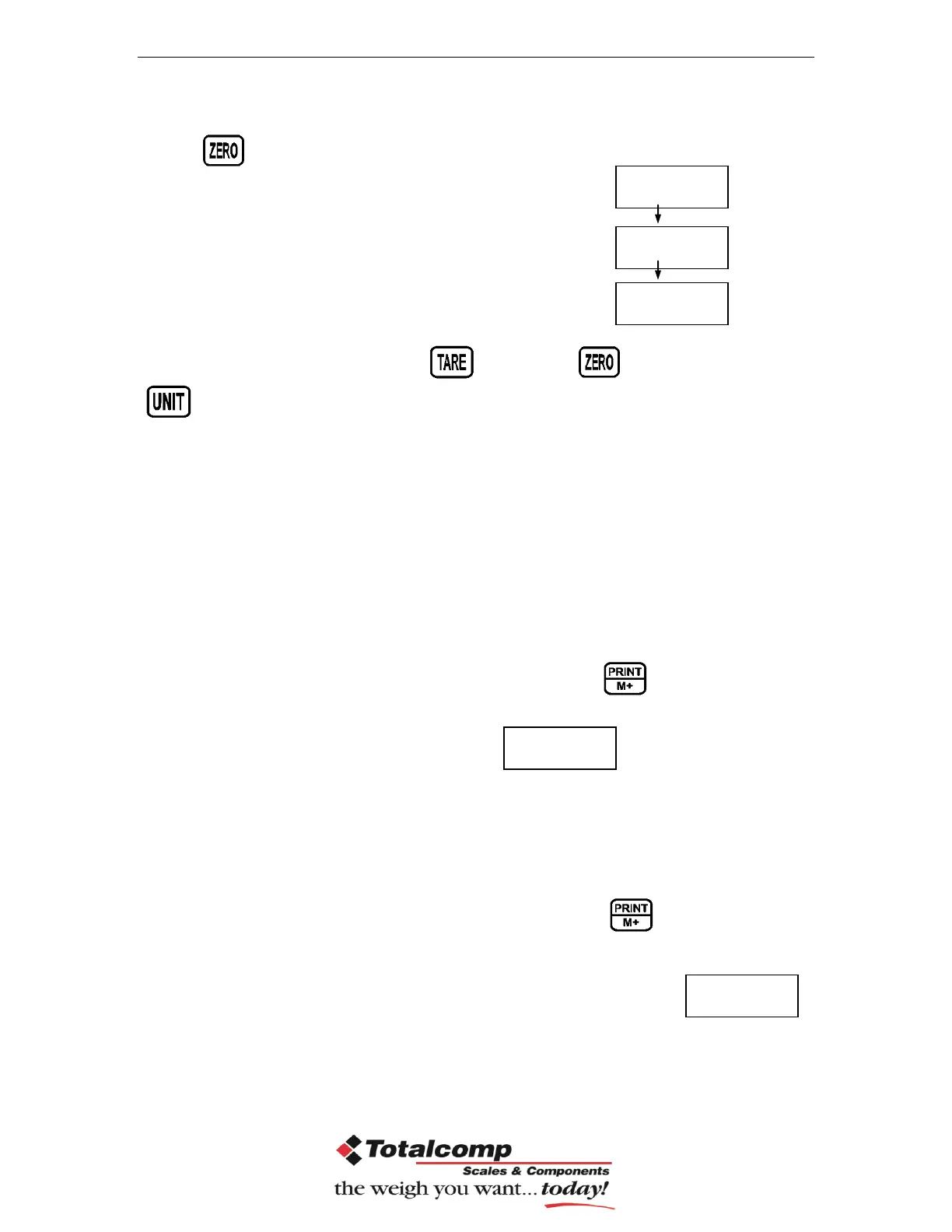
Press key to enter, press
Check mode 1
Check mode 2
Check mode 3
Select desired setting by pressing and press key to confirm, press
to escape.
Note: The load weight must greater than 20 scale divisions for the check
weighing operations.
To disable the check weighing function, enter zero into both limits.
9. Accumulation
Accumulation
Place the goods on the platform to be weigh
Wait few seconds for display stable, then press . The value will be
saved and printed (if the printer is connected).
Display will be appear this display will
appear two seconds only.
Remove the load and wait few seconds for display return to zero.
Place the second goods on the platform.
Wait few seconds for display stable. Then press . The value will be
saved.
Followed by the total number of weight will be displayed
It can continue the process until the maximum capacity or value.
Note: When you change the weighing unit this saved values will be clear.


 To Next Page