TWP Weighing Indicator Service Manual
5. Check Weighing
It can set an upper or lower limit when weighing with the limits range.
During the limit controls dividing the unit will indicate whether a value
upper or lower limits with an alarm sound . For details see the parameter F3 oFF.
Check mode 1: No beep sound in the limits. Function turned off.
Check mode 2: When the weight is between the limits. OK will shown and
beep will be sounded.
Check mode 3: When the weight is out of the limits, the beep will
sound and OK will shown.
6. Enter to Menu
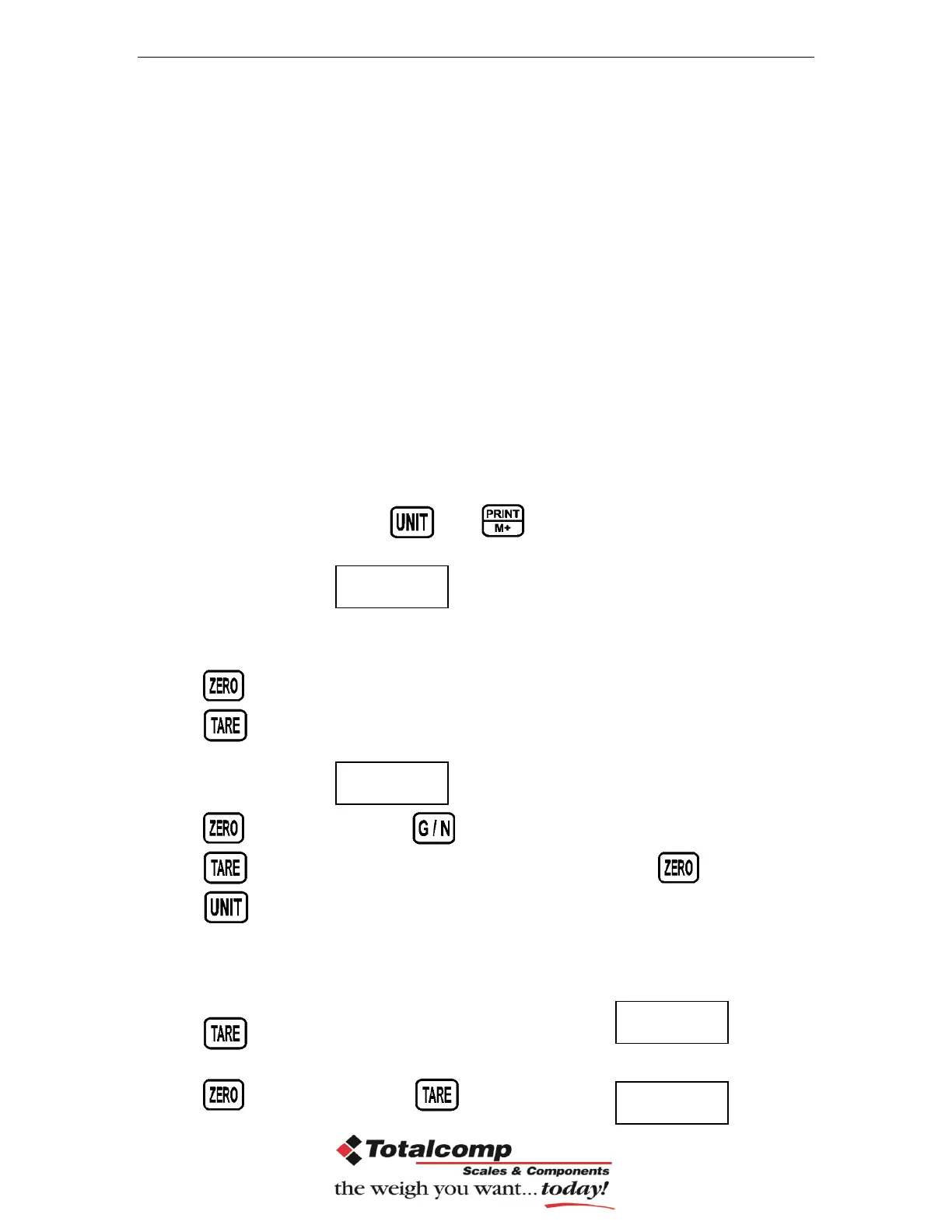
In the weighing mode, press and together.
Display will be appear
7. Set limits
Press to enter the function.
Press key to select the limit.
Display will appear
Press key to enter, press key to move active digits.
Press to change the value. After enter the value press to sure.
Press to escape.
8. Set check weighing mode.
After entering the settings mode,
Press until display will be appear
Press key to enter, press until display show


 To Next Page