TWP Weighing Indicator Service Manual
7. CALIBRATION
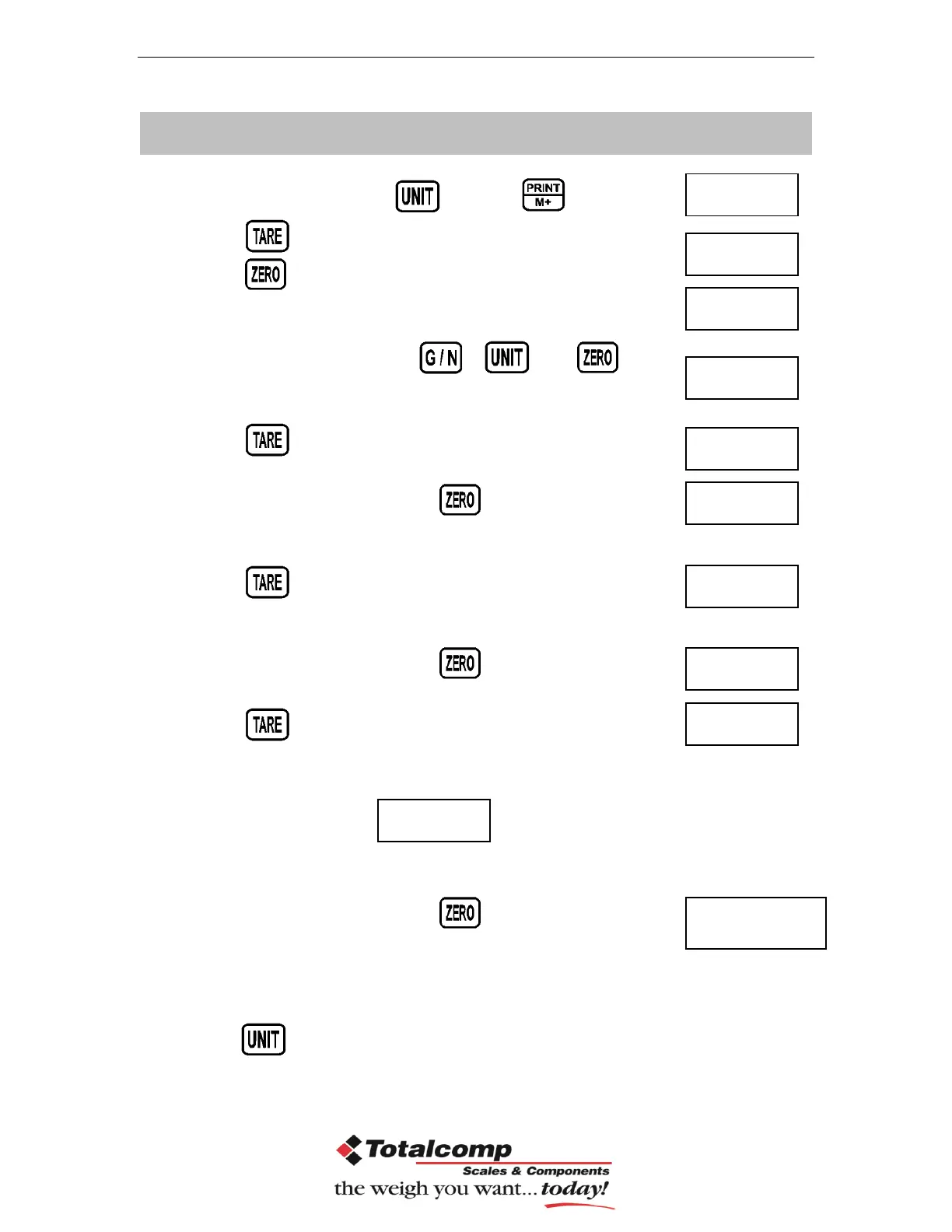
In weighing mode, press key and key together.
Press continuous until display will be shown.
Press , display will be shown.
Enter the password. Press , and
Display will be shown
Press , display will be shown.
Enter the function by pressing , display will be shown
Press continuous until display will be shown.
Enter the function by pressing , display will be shown
Press to select for normal calibration
Normal Calibration:
Enter the function by pressing , display will be shown
Make sure there are no loads on the platform and wait few seconds for
stable indicator on.
Press key to select weighing unit kg or lb


 To Next Page