TWP Weighing Indicator Service Manual
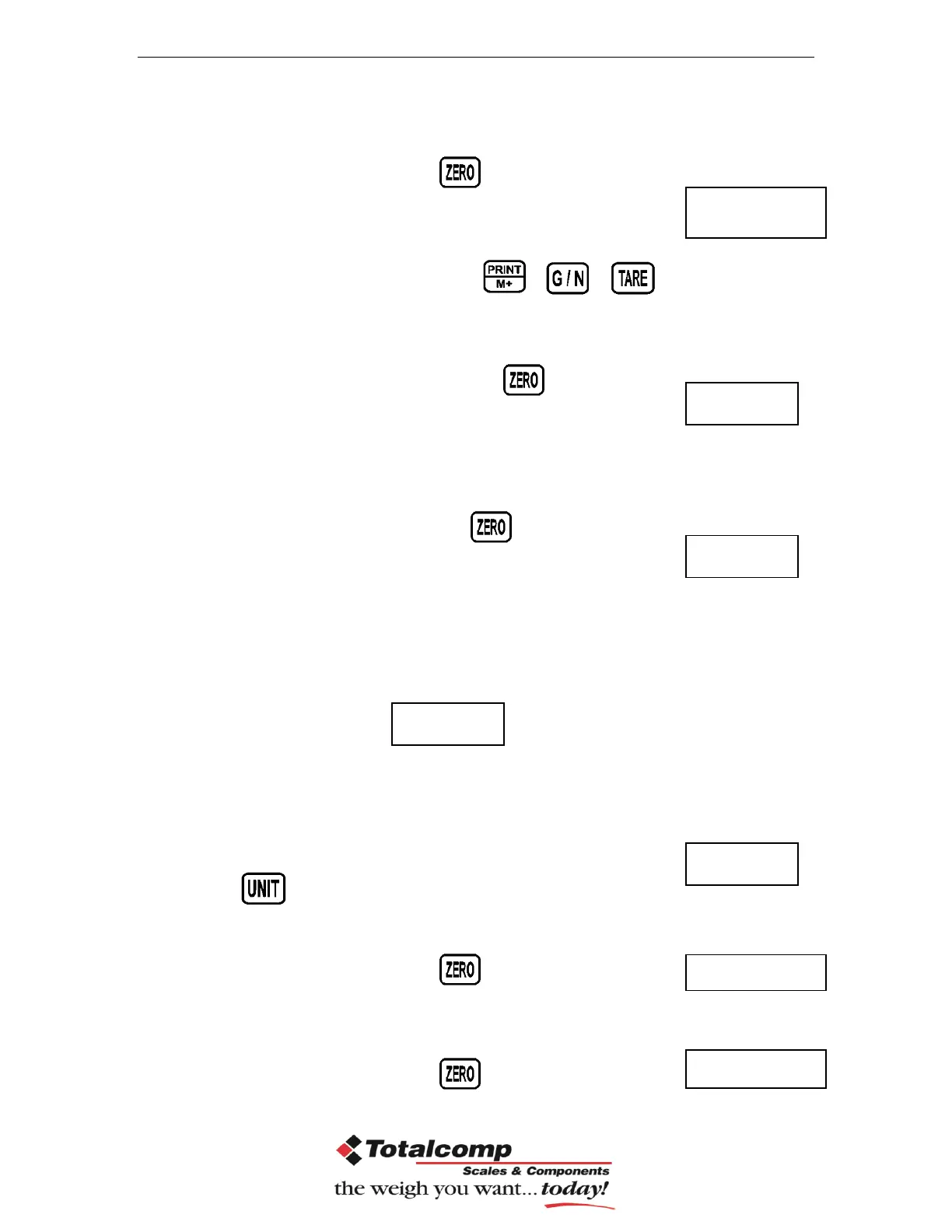
Enter the function by pressing , display will be shown
Currently adjustment
If want to change by using the keys , , to
select the required setting
Enter the selected setting by pressing ,
display will be shown.
Load the calibration mass weight on the platform and wait
few seconds for display stability.
After the stable indicator on press , display will be
shown.
After the calibration the display will start a self test. Remove the load from
platform during the test. Display will come to weighing mode automatically.
If display will be shown any error or incorrect value, repeat the procedure again.
Linear Calibration
The linearity deviation caused by the performance of the weighing unit. The
digital linearization function can reduce the linearity deviation using weighing
points during the zero and capacity. Up to three weighing points can be specified.
Press key to select weighing unit kg or lb
Enter the function by pressing , display will be shown
Make sure there are no loads on the platform and wait few seconds for
stable indicator on.
Enter the function by pressing , display will be shown


 To Next Page