TWP Weighing Indicator Service Manual
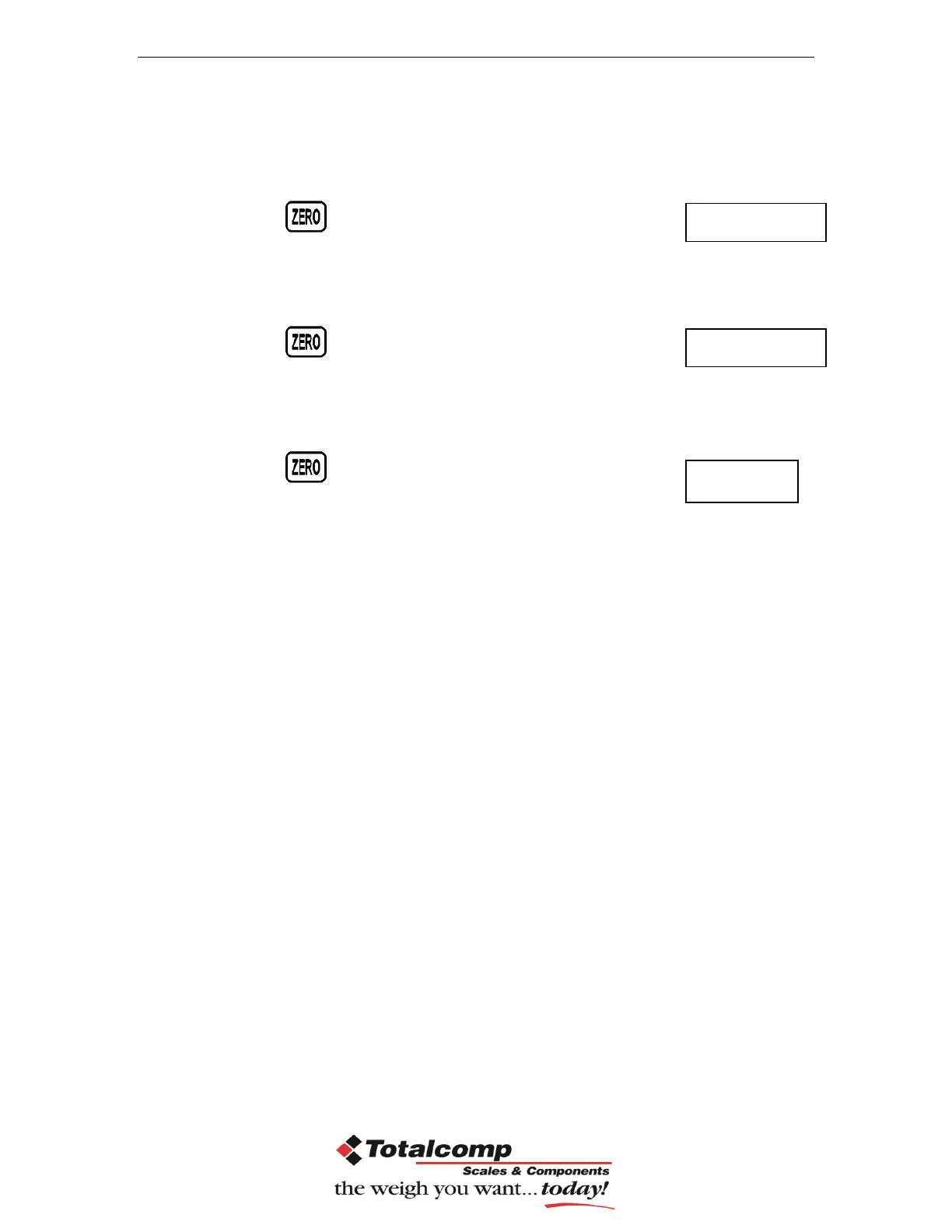
Load the first calibration mass weight on the platform (mass weight should
be1/3 of the max capacity) and wait few seconds for display stability.
Then press , display will be shown
Load the second calibration mass weight on the platform (mass weight
should be2/3 of the max capacity) and wait few seconds for display
stability.
Then press ,display will be shown
Load the third calibration mass weight on the platform (mass weight should
be3/3 of the max capacity) and wait few seconds for display stability.
Then press ,display will be shown
After the calibration the display will start a self test. Remove the load from
platform during the test. Display will come to weighing mode automatically.
If display will be shown any error or incorrect value, repeat the procedure again.


 To Next Page