EasyManua.ls Logo

Totalcomp TWP Series - Page 16

Totalcomp TWP Series
34 pages
Print Icon
To Next Page IconTo Next Page
To Previous Page IconTo Previous Page
Loading...
TWP Weighing Indicator Service Manual
- 16 -
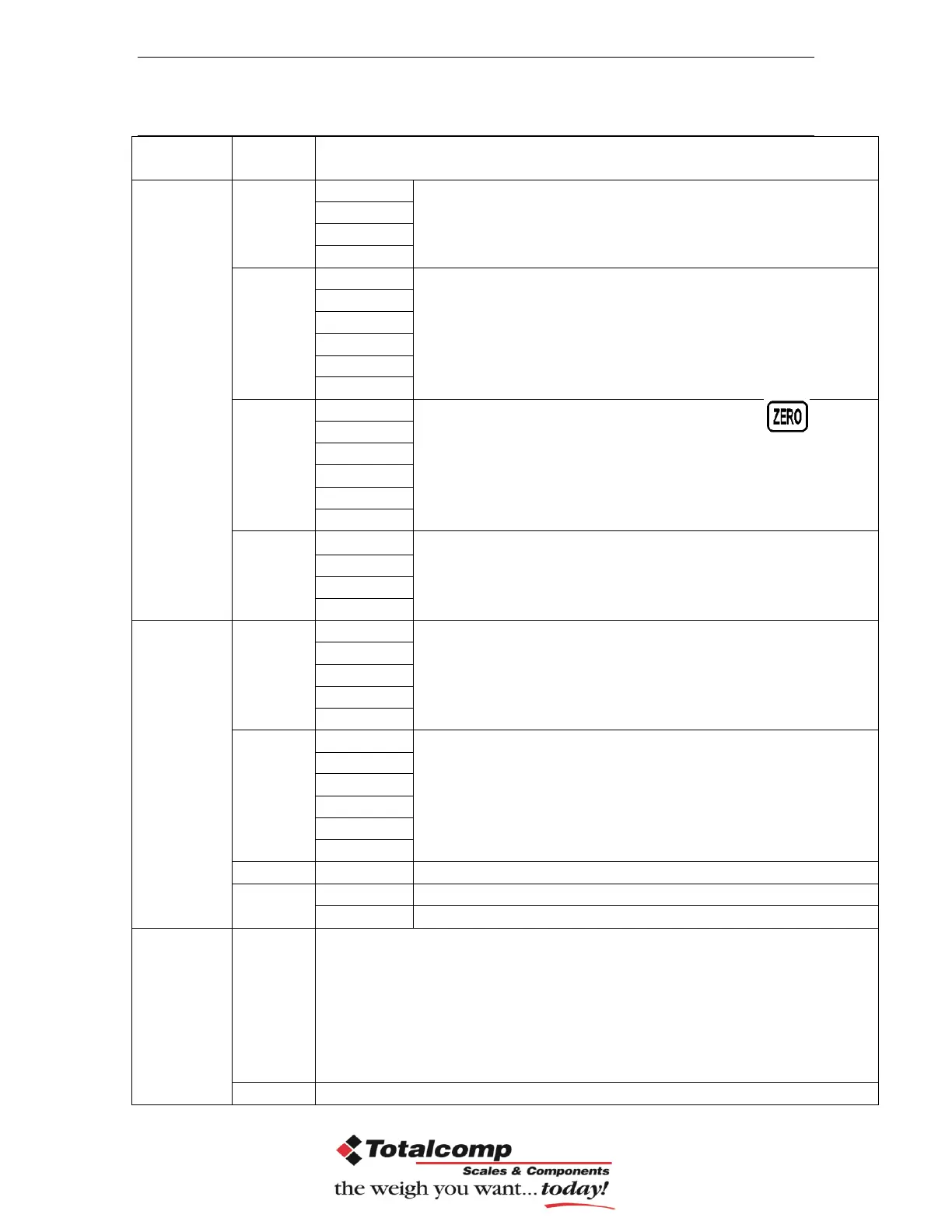
PROGRAM PARAMETERS
Sub
Menu
Description
P1 ref
A2n 0
0.5d
Auto zero point settings
1d
2d
4d
0
auto
P1 0
Zero setting range.
When the display is turn on the scale is set to zero
P1 2
P1 5
P1 10
P1 20
P1 50
0
range
P 2 2
Manually zero setting range, by pressing
P 2 5
P 2 10
P 2 20
P 2 50
P 2 100
Speed
S 7.5
S 15
S 30
S 60
P 2 cal
Deci
C 0
Decimal point settings
C 0.0
C 0.00
C 0.000
C0.0000
Inc
1
Increment settings
2
5
10
20
50
Cap
00000
Enter the scale capacity
cal
Linear
Linear calibration
nonlin
Normal calibration
P3 pro
Tri
This display will be show XXXXX. For trimming the load cells,
showing primary weight.
You can calculate new rate by this formula:
N2=N1+N1×[(K2-K1)÷K2]
N1: primary rate, N2: new rate, K1: calibrate weight, K2:
display weight
Count
This display will show XXXXX for indicating the internal counts.