Step 4 - Add your Toucan to Your Account
13
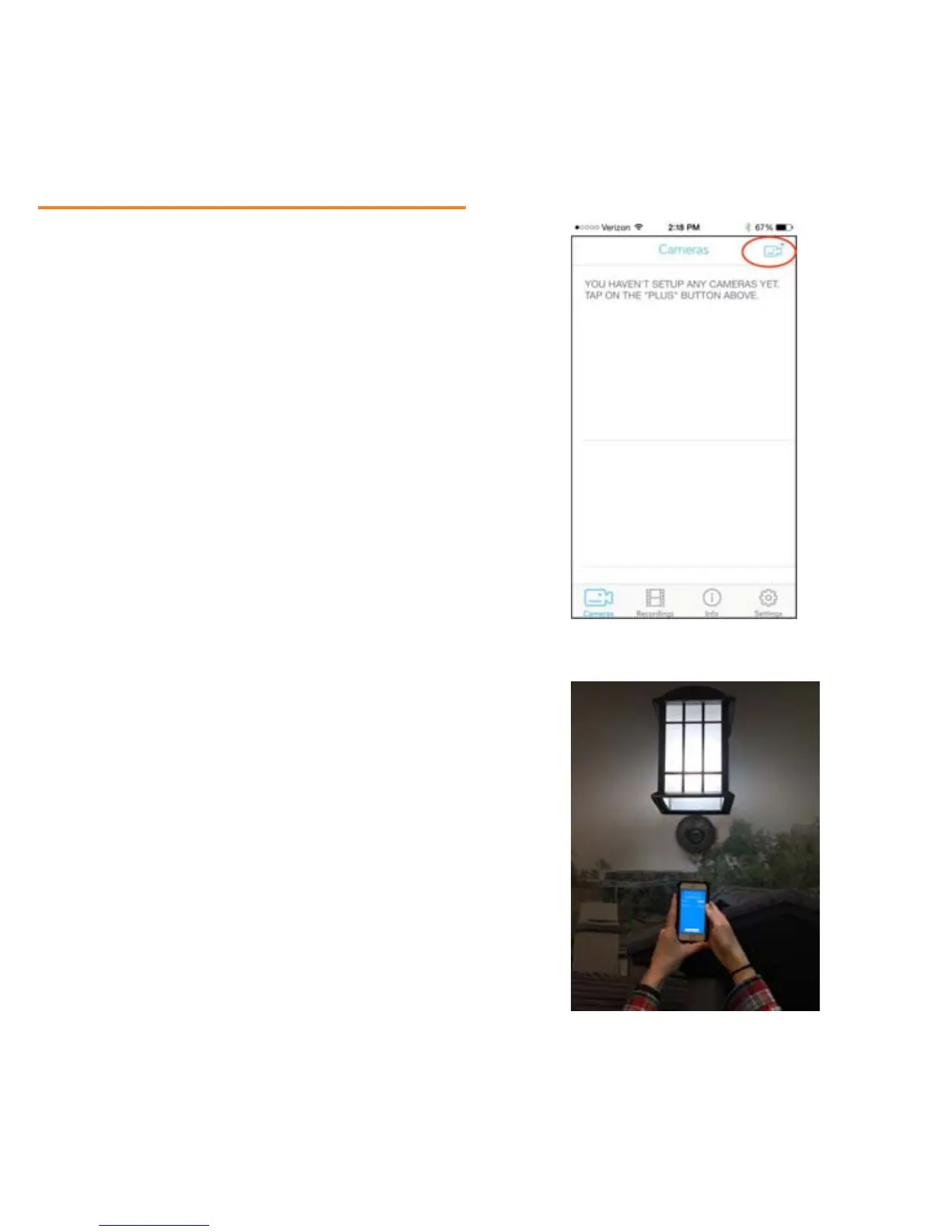
Once logged in, you will see the
Cameras page. Select the Camera
Plus button in the upper right
hand corner to display your new
Toucan.
Because the set-up process uses
Bluetooth technology, you will
need to be close to your Toucan.
We recommend holding your
mobile device no more than 5
feet away.


 To Next Page