Virtuo Floor Stand Guide
Installing the Virtuo Floor Stand
Removing the Floor Stand from the Pallet
18
Removing the Floor Stand from the Pallet
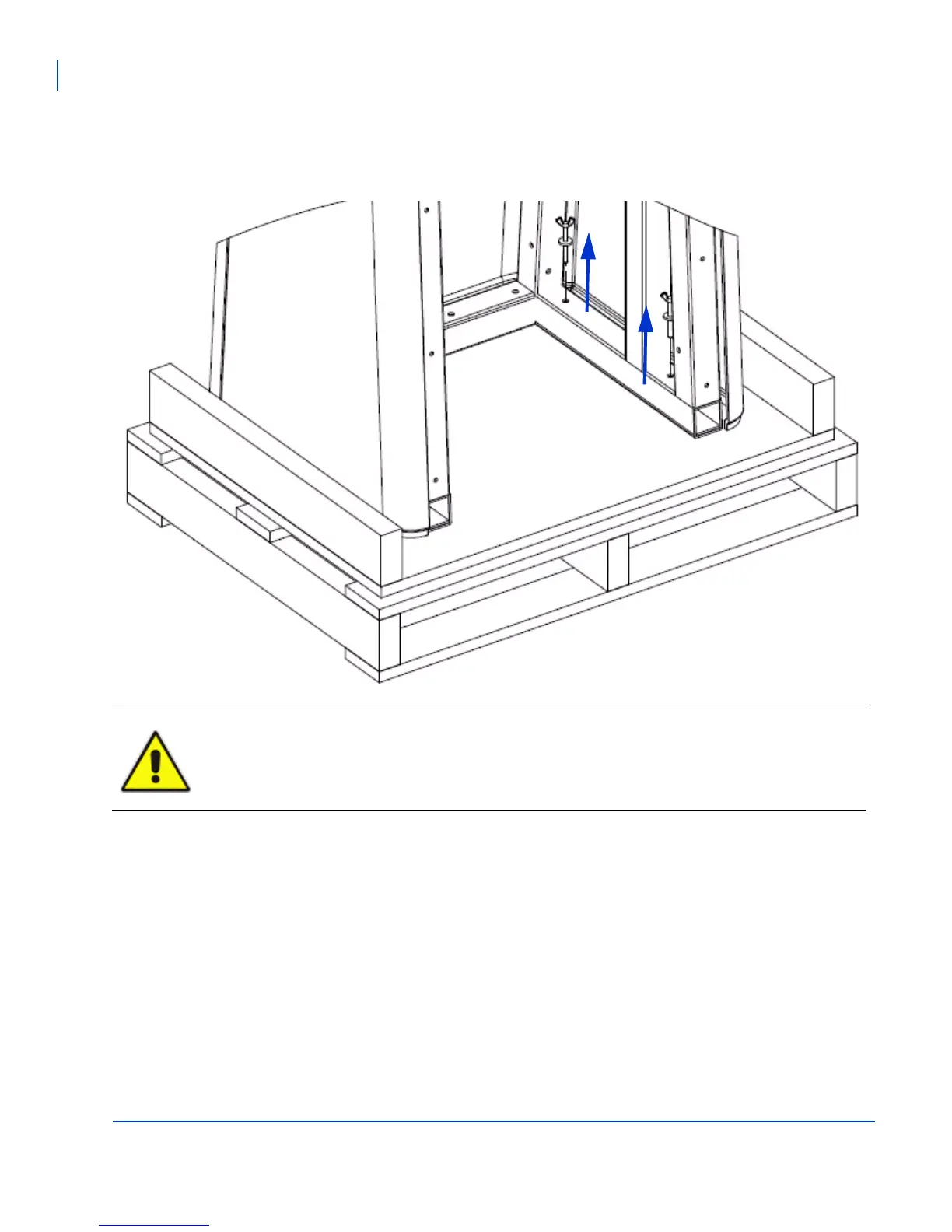
Remove the 4 bolts securing the Floor Stand to the pallet using the open ended 3/8 wrench. Carefully remove
the Floor Stand and set it on a level surface.
WARNING: The Floor Stand handles are not lift points and must not be used to remove the Floor
Stand from the pallet.



 To Next Page