Once the Floor
Stand is securely
attached to the
Floor Stand with
the 4 Set screws,
determine if it is
level and well
balanced.
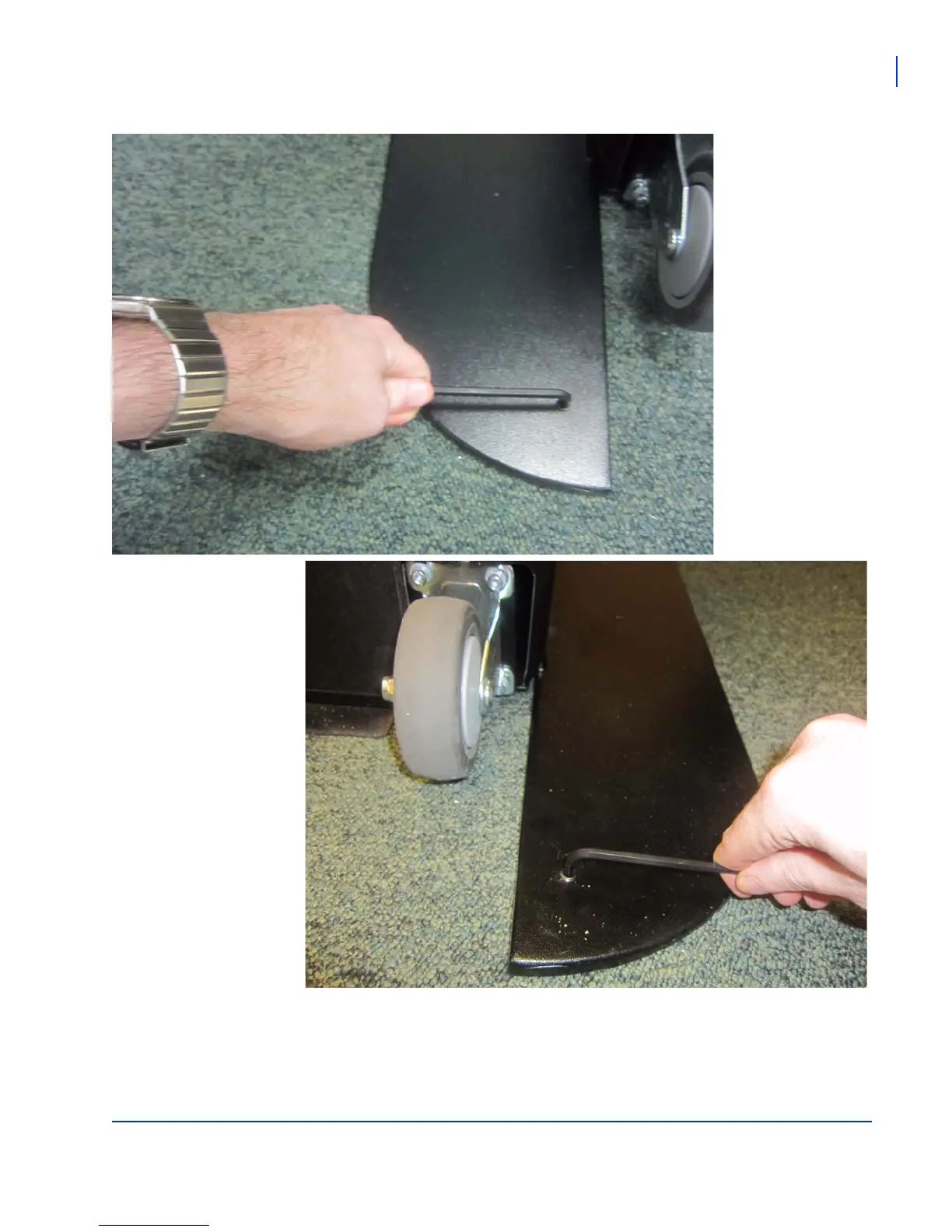
If you need to level the
Floor Stand, insert the
provided levellers into the
rear of the baseplate.
Insert the provided
levellers in both the left
and right holes (near the
wheels).
Using the same 3/16 inch
Allen Key (Hex Key),
insert the levellers as
necessary, alternating
between the left and right
levellers, until the Floor
Stand is completely level



 To Next Page