Virtuo Floor Stand Guide
Installing the Virtuo Floor Stand
Installing and Connecting the Floor Stand Acoustics
24
Installing and Connecting the Floor Stand Acoustics
Installing the Floor Stand acoustics consists of the following:
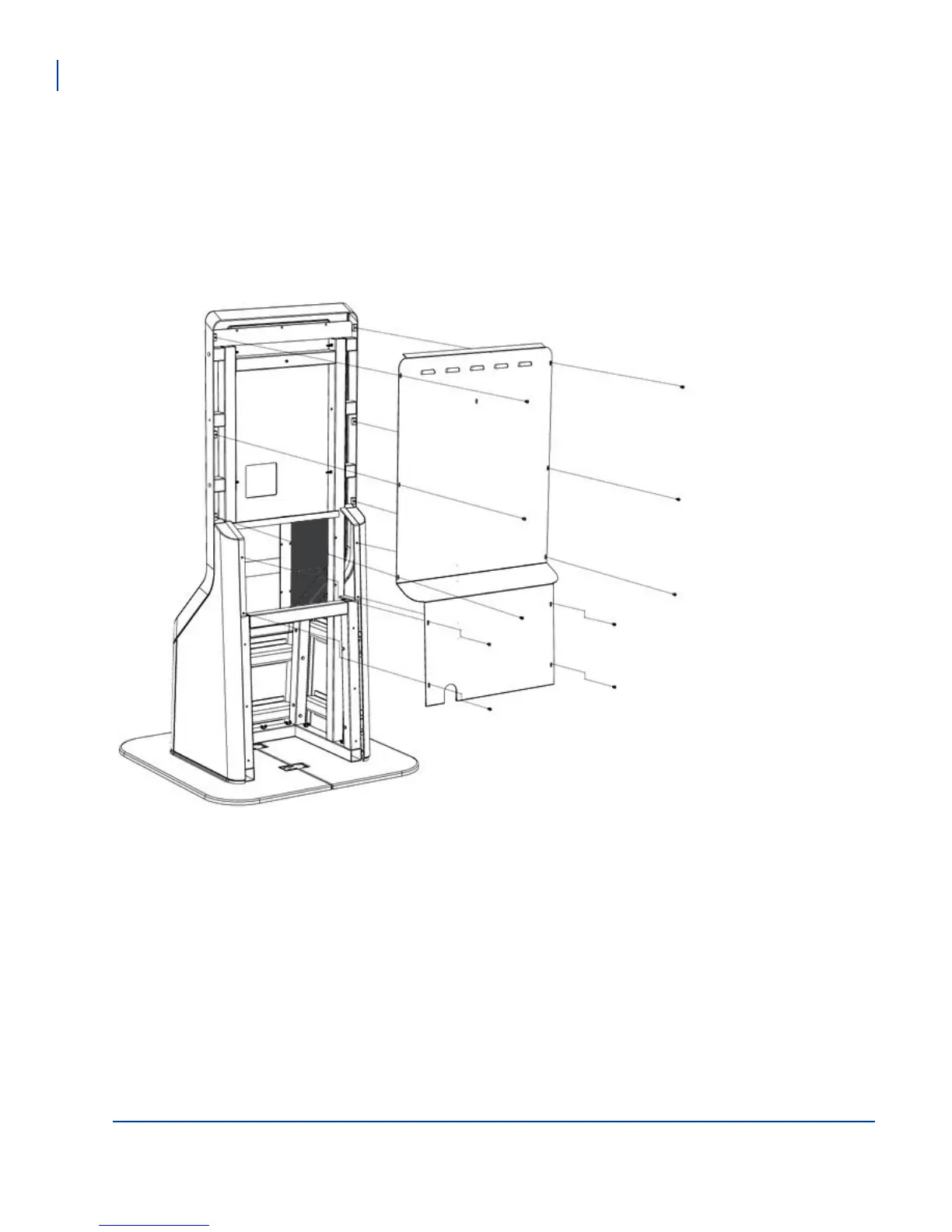
- Removing the rear panel
- Mounting and wiring the satellite speakers
- Re-attaching the rear panel
Removing the Floor Stand Rear Panel
Remove the rear panel
from the Floor Stand.



 To Next Page