Virtuo Floor Stand Guide
Installing the Virtuo Floor Stand
Removing the Floor Stand from the Pallet
22
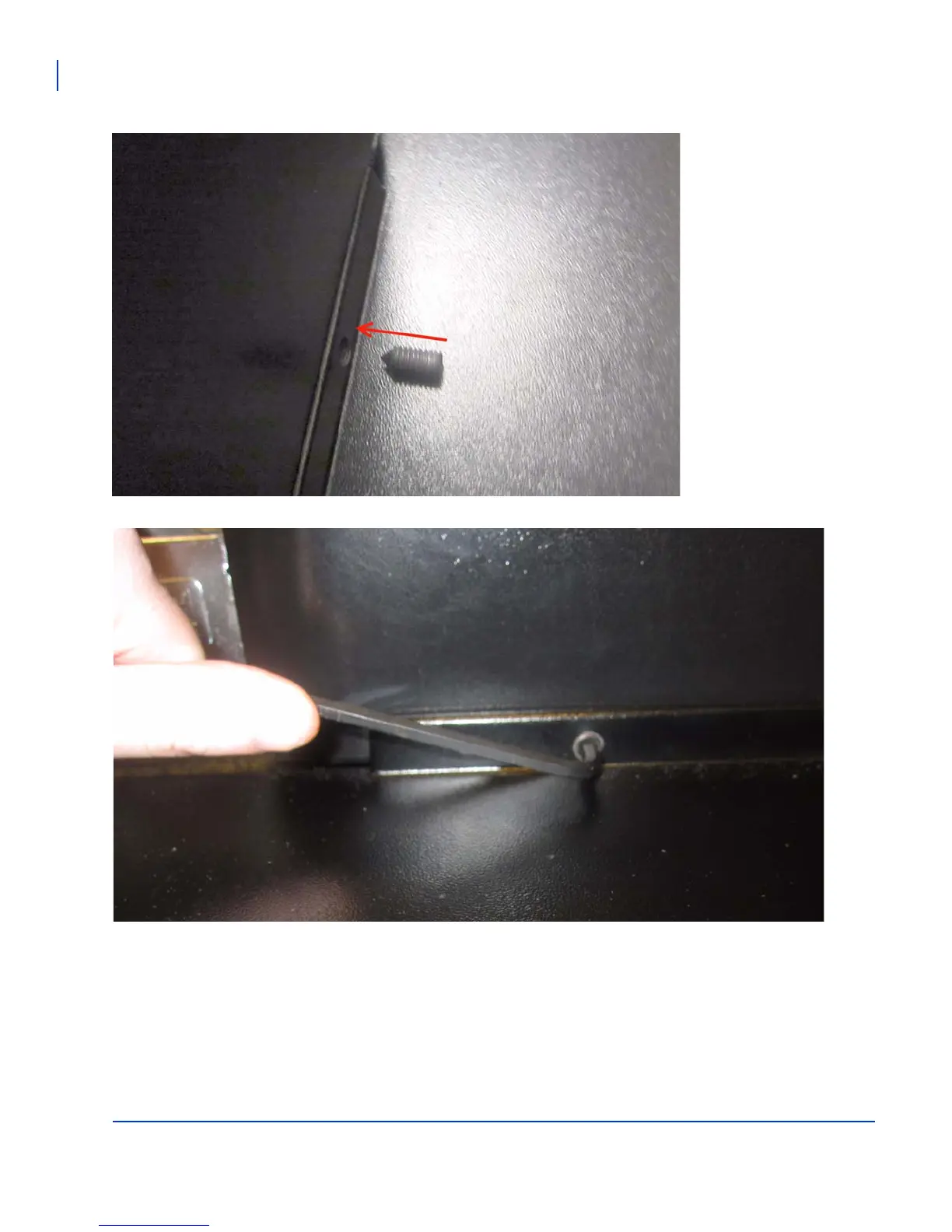
Securing the Floor Stand to the Baseplate
There are 4 set screws
included with the kit for
securing the baseplate to
the Floor Stand.
Using an supplied 3/16 inch Allen Key
(also called a Hex key), insert the two
set screws into the base, and tighten
them slowly in turn so that no one set
screw is too tight while any other is still
loose.



 To Next Page