Toyopuc PC3/PC2 Ethernet Driver
l Do Not Scan, Demand Poll Only:This mode does not periodically poll tags that belong to the
device nor perform a read to get an item's initial value once it becomes active. It is the client's
responsibility to poll for updates, either by writing to the _DemandPoll tag or by issuing explicit device
reads for individual items. For more information, refer to "Device Demand Poll" in server help.
l Respect Tag-Specified Scan Rate:This mode forces static tags to be scanned at the rate specified
in their static configuration tag properties. Dynamic tags are scanned at the client-specified scan
rate.
Initial Updates from Cache: When enabled, this option allows the server to provide the first updates for
newly activated tag references from stored (cached) data. Cache updates can only be provided when the
new item reference shares the same address, scan rate, data type, client access, and scaling properties. A
device read is used for the initial update for the first client reference only. The default is disabled; any time a
client activates a tag reference the server attempts to read the initial value from the device.
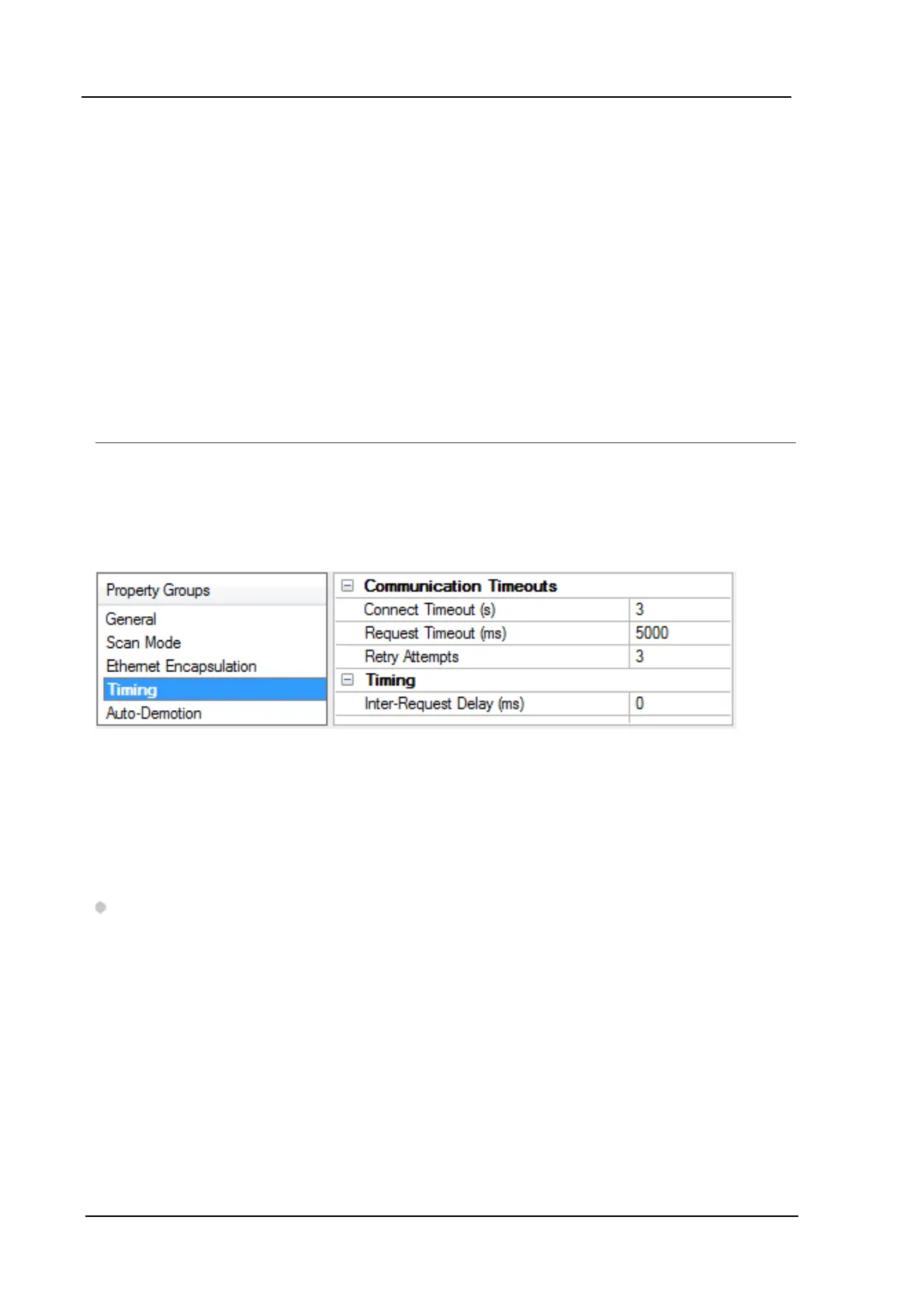
Device Properties - Timing
The device Communications Timeouts properties allow the driver's response to error conditions to be
tailored to fit the application's needs. In many cases, the environment requires changes to these properties
for optimum performance. Factors such as electrically generated noise, modem delays, and poor physical
connections can influence how many errors or timeouts a communications driver encounters.
Communications Timeouts properties are specific to each configured device.
Communications Timeouts
Connect Timeout:This property (which is used primarily by Ethernet based drivers) controls the amount of
time required to establish a socket connection to a remote device. The device's connection time often takes
longer than normal communications requests to that same device. The valid range is 1 to 30 seconds. The
default is typically 3 seconds, but can vary depending on the driver's specific nature. If this setting is not
supported by the driver, it is disabled.
Note: Due to the nature of UDP connections, the connection timeout setting is not applicable when
communicating via UDP.
Request Timeout:This property specifies an interval used by all drivers to determine how long the driver
waits for a response from the target device to complete. The valid range is 50 to 9,999,999 milliseconds
(167.6667 minutes). The default is usually 1000 milliseconds, but can vary depending on the driver. The
default timeout for most serial drivers is based on a baud rate of 9600 baud or better. When using a driver
at lower baud rates, increase the timeout to compensate for the increased time required to acquire data.
Retry Attempts:This property specifies how many times the driver retries a communications request
before considering the request to have failed and the device to be in error. The valid range is 1 to 10. The
default is typically 3, but can vary depending on the driver's specific nature. The number of retries
configured for an application depends largely on the communications environment.
www. kepware.com
12



 To Next Page