Toyopuc PC3/PC2 Ethernet Driver
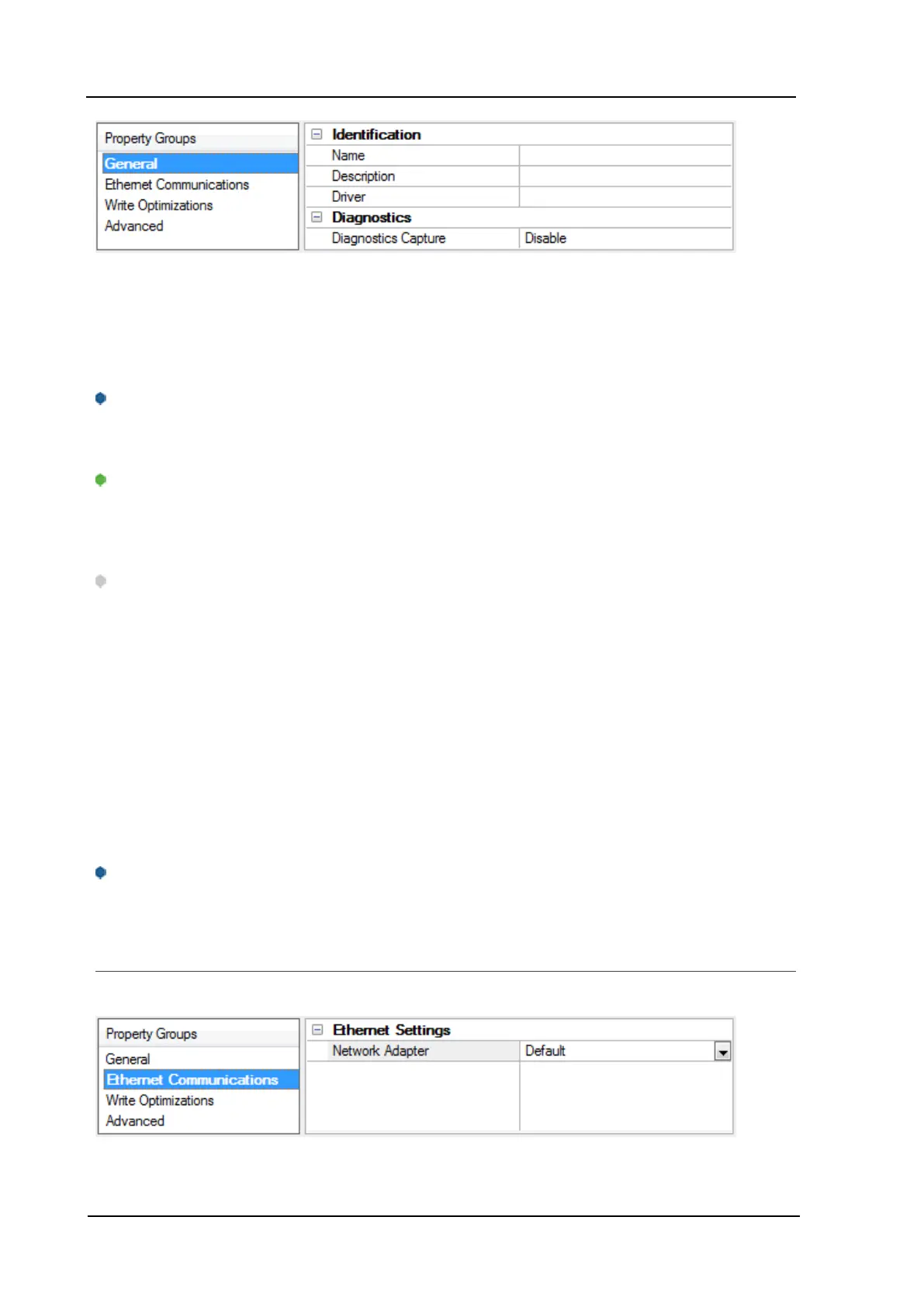
Identification
Name:User-defined identity of this channel. In each server project, each channel name must be unique.
Although names can be up to 256 characters, some client applications have a limited display window when
browsing the OPCserver's tag space. The channel name is part of the OPC browser information.
For information on reserved characters, refer to "How To... Properly Name a Channel, Device, Tag, and Tag
Group" in the server help.
Description: User-defined information about this channel.
Many of these properties, including Description, have an associated system tag.
Driver:Selected protocol / driver for this channel. This property specifies the device driver that was selected
during channel creation. It is a disabled setting in the channel properties.
Note: With the server's online full-time operation, these properties can be changed at any time. This
includes changing the channel name to prevent clients from registering data with the server. If a client has
already acquired an item from the server before the channel name is changed, the items are unaffected. If,
after the channel name has been changed, the client application releases the item and attempts to re-
acquire using the old channel name, the item is not accepted. With this in mind, changes to the properties
should not be made once a large client application has been developed. Utilize the User Manager to prevent
operators from changing properties and restrict access rights to server features.
Diagnostics
Diagnostics Capture: When enabled, this option makes the channel's diagnostic information available to
OPC applications. Because the server's diagnostic features require a minimal amount of overhead
processing, it is recommended that they be utilized when needed and disabled when not. The default is
disabled.
For more information, refer to "Communication Diagnostics" in the server help.
Not all drivers support diagnostics. To determine whether diagnostics are available for a particular driver, open
the driver information and locate the "Supports device level diagnostics" statement.
Channel Properties - Ethernet Communications
Ethernet Communication can be used to communicate with devices.
Ethernet Settings
www. kepware.com
7



 To Next Page