Toyopuc PC3/PC2 Ethernet Driver
12. Save the project. In this example, the name "TestProject" is used.
Transferring Configuration Settings to the PC10G-CPU
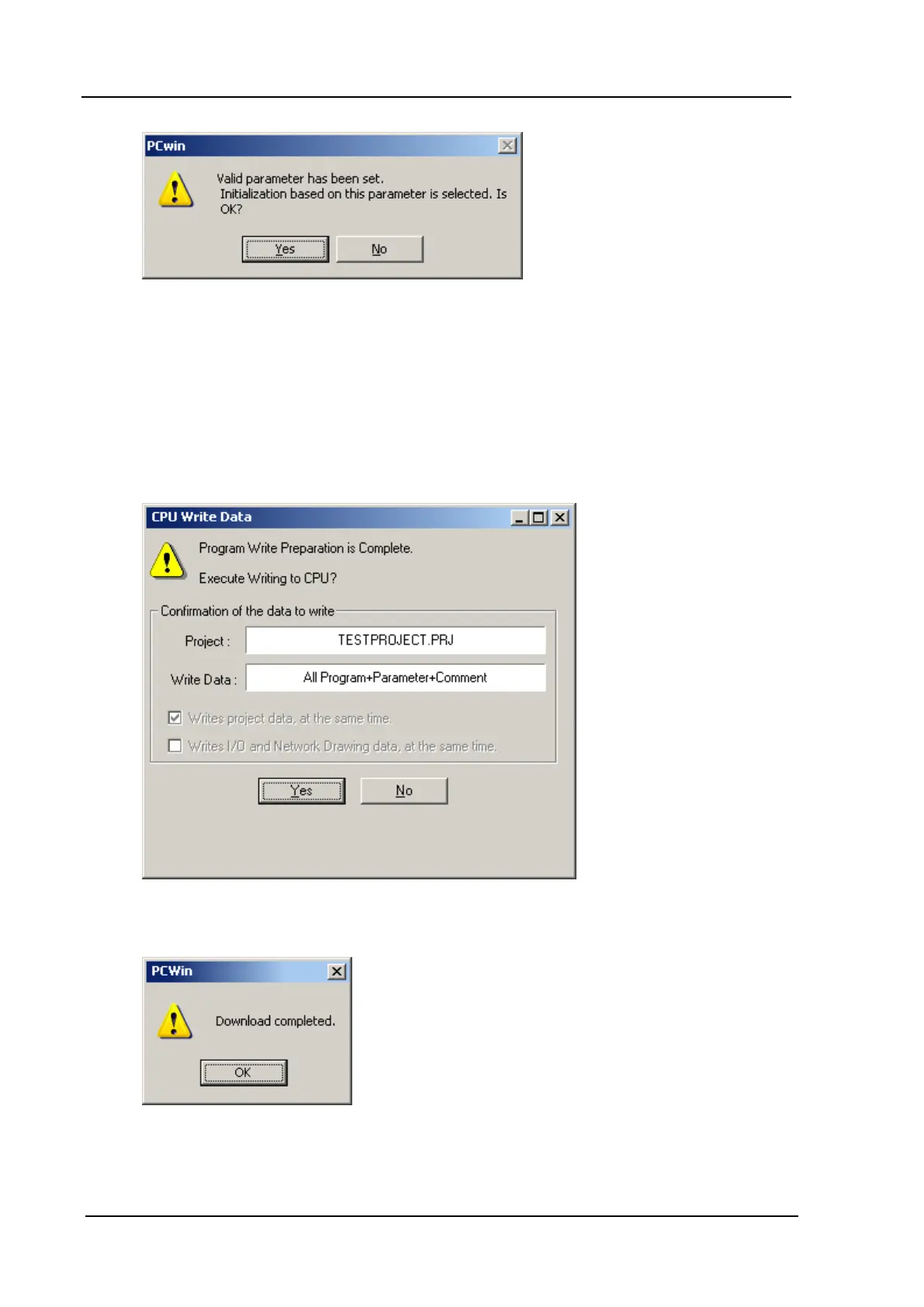
1. Click CPU | Write Data | All Program+Parameter+Comment. Alternatively, click CPU | Write
Data | Parameter. The invoked window should appear as shown below.
Note: If the CPU is in Run Mode, it will need to be stopped. To do so, click CPU | Stop/Release Stop.
2. Once the download is complete, the following window should appear.
3. Power cycle the PC10G-CPU for the new settings to take effect.
www. kepware.com
40



 To Next Page