245
6-1. Using the air conditioning system and defogger
COASTER_GW-E
6
Interior features
■
Adjusting the fan speed setting
To adjust the fan speed, move the fan speed selector lever the right
(increase) or the left (decrease).
Moving the lever to “OFF” turns off the fan.
■
Adjusting the temperature setting
To adjust the temperature setting, move the temperature selector
lever the right (warm).
Move it right for higher temperature, left for lower temperature, and left
most for no heat position.
■
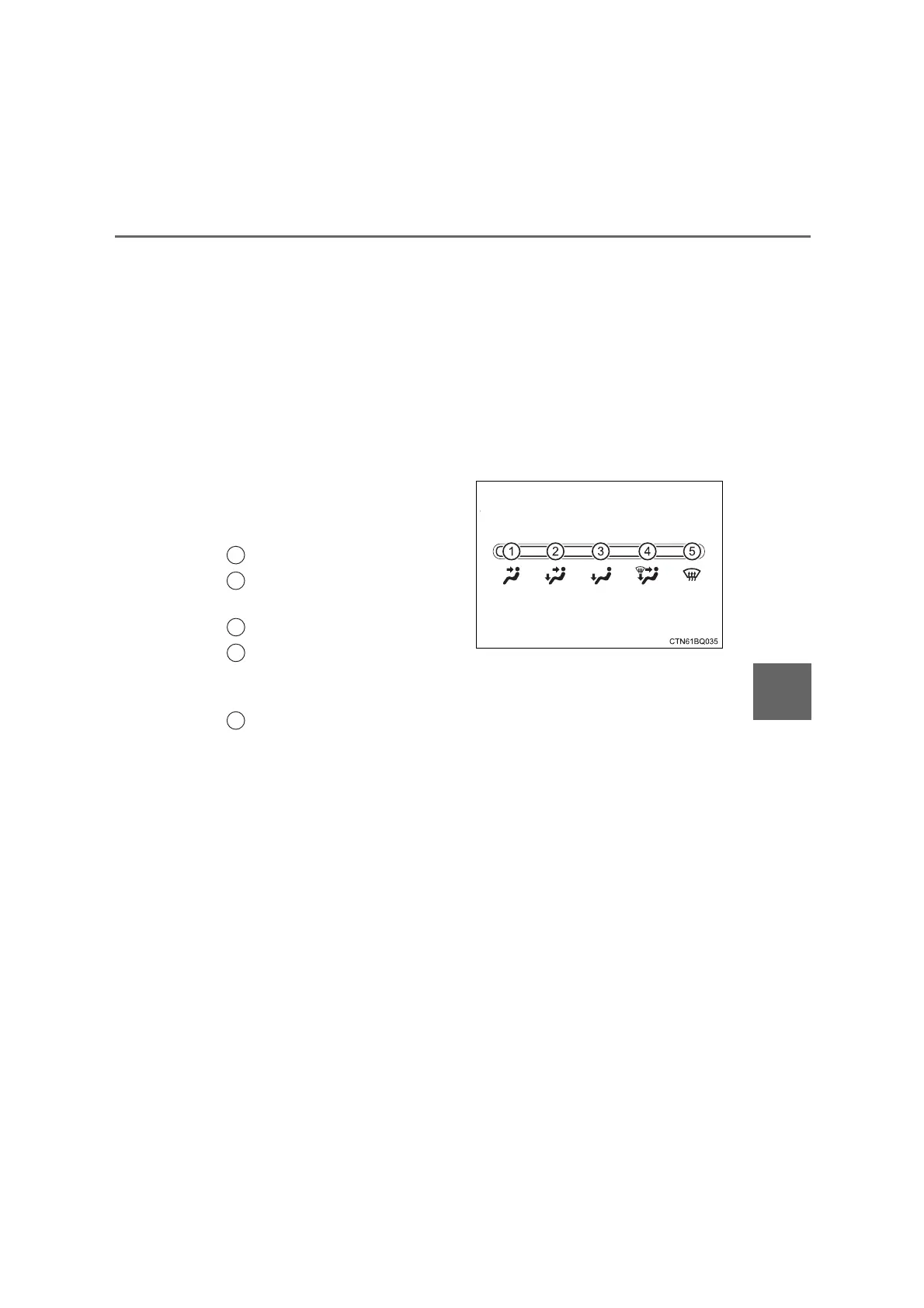
Changing the air flow mode
To select the air outlets, move
the air flow selector lever to the
desired position.
Air flows to the upper body.
Air flows to the upper body
and feet.
Air flows to the feet.
Air flows to the feet and the
windshield defogger oper-
ates.
Defogging the windshield.
1
2
3
4
5
COASTER_OM_General_OM36742W










 To Next Page