85
3-2. Opening, closing and locking the doors
COASTER_GW-E
3
Operation of each component
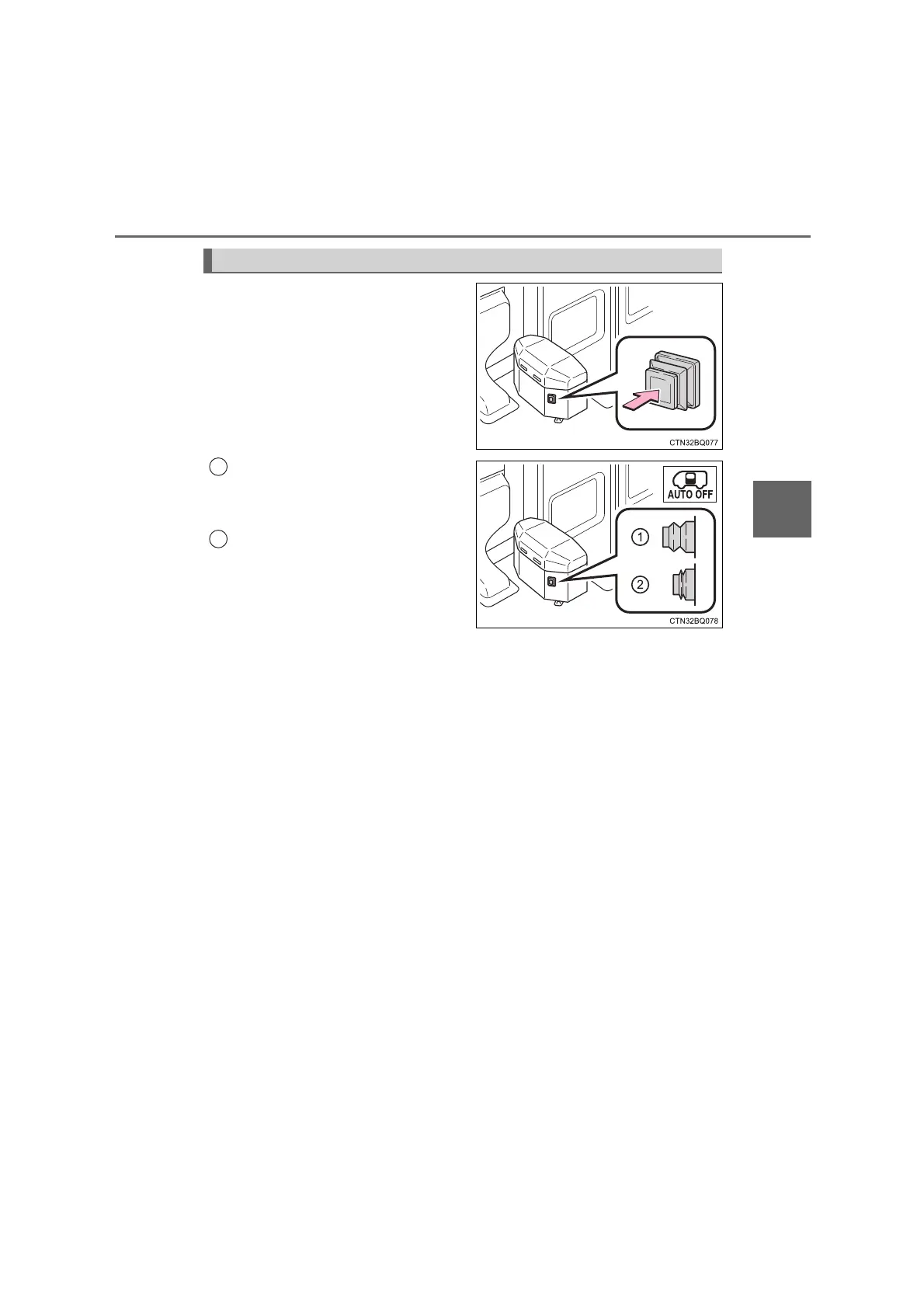
Push the cancel switch to enable/
disable the automatic passengers’
door operation.
Automatic operation
Push the cancel switch to
extend it.
Manual operation
To perform manual operation,
push the cancel switch again.
The passengers’ door indicator
light (“AUTO OFF” light) on the
instrument cluster (P. 56) will
illuminate when the engine
switch is turned to the “ON”
position, indicating that manual
operation is selected.
Enabling/Disabling automatic operation (if equipped)
1
2
COASTER_OM_General_OM36742W







 To Next Page