293
3. ROUTE GUIDANCE
8
NAVIGATION SYSTEM
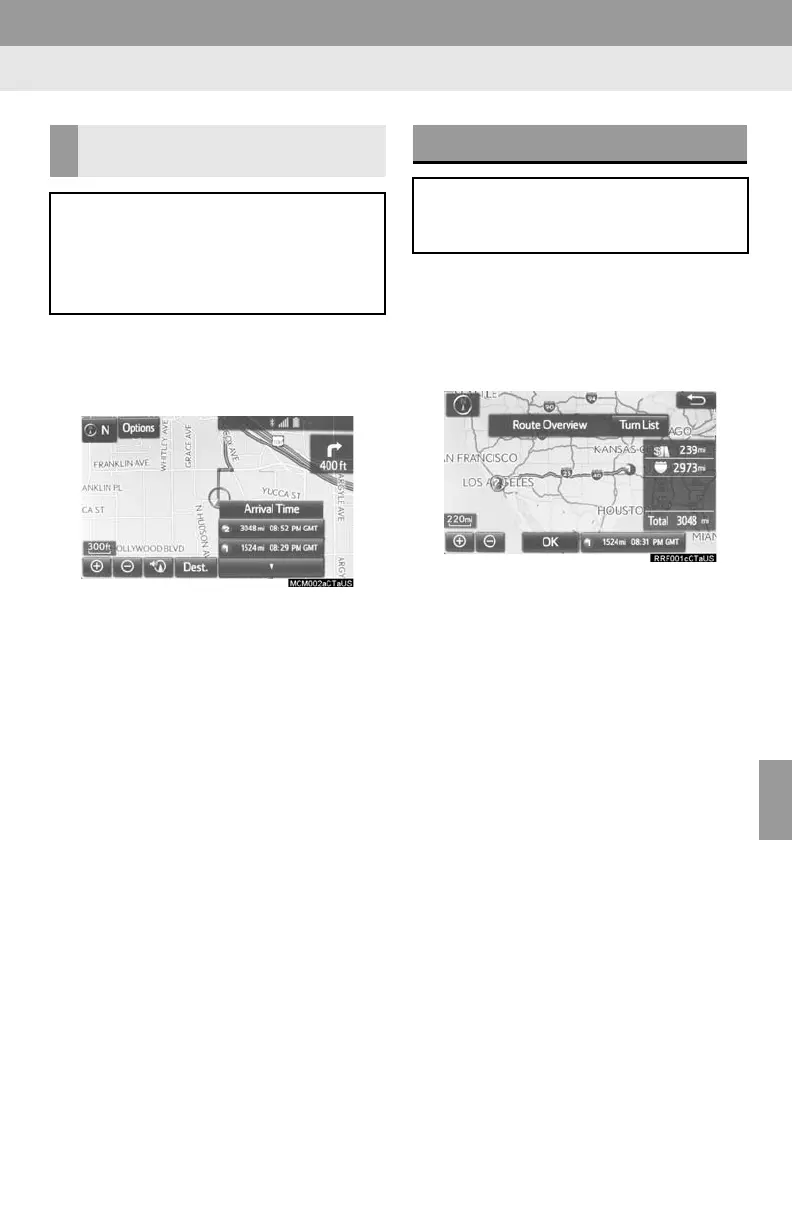
1 Select the route information bar.
2 Check that the list of the distance and
time is displayed.
By selecting one of the number buttons,
the desired route information is displayed.
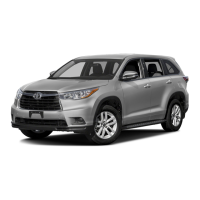
1 Select “Options” on the map screen.
2 Select “Route Overview”.
3 Check that the entire route map is dis-
played.
For details about this screen: P.288
DISTANCE AND TIME TO
DESTINATION
When driving on the guidance route
with more than 1 destination set, a list
of the distance with estimated travel/
arrival time from the current position to
each destination is displayed.
ROUTE OVERVIEW
The entire route from the current posi-
tion to the destination can be displayed
during the route guidance.







 To Next Page