93
• Make sure the IP address of your computer is configured as Obtain an IP address
automatically and Obtain DNS server address automatically.
• Make sure you enter the correct IP address to login: http://tplinkwifi.net.
• Check your computer’s settings:
1 ) Go to Start > Control Panel > Network and Internet, and click View network status
and tasks.
2 ) Click Internet Options on the bottom left.
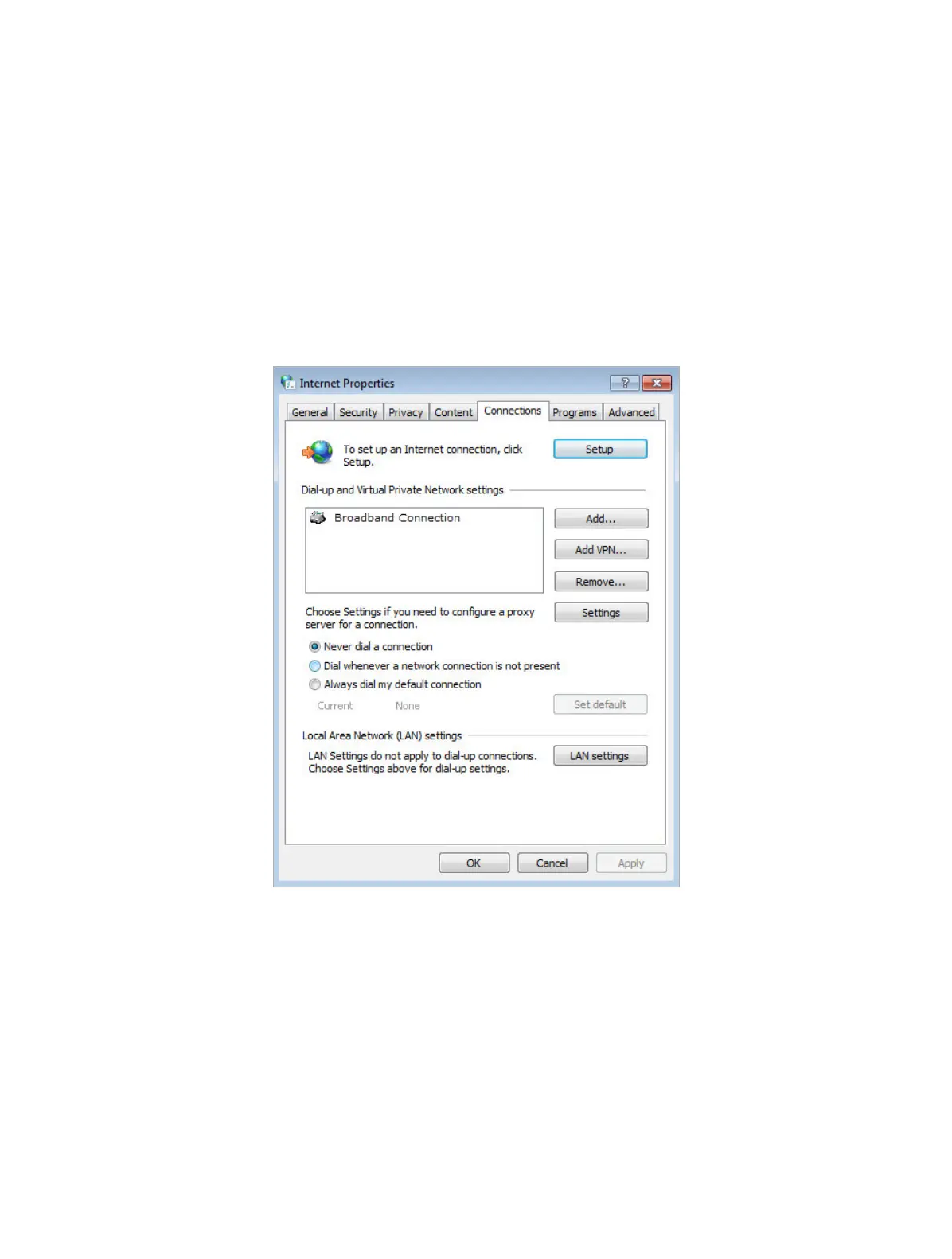
3 ) Click Connections and select Never dial a connection.
4 ) Click LAN settings and deselect the following three options and click OK.














 To Next Page