3
Chapter 1
Get to Know Your Modem Router
1. 1. Product Overview
TP-LINK’s Cable Modem Router is a combined wired/wireless network connection
device with integrated wireless router and DOCSIS 3.0 modem, reducing hassle of
configuration and saving space.
With Ethernet ports and antennas, the modem router provides wired and wireless
access for multiple computers and mobile devices.
With various features and functions, the modem router is the perfect hub of your home
or business network.
1. 2. Product Appearance
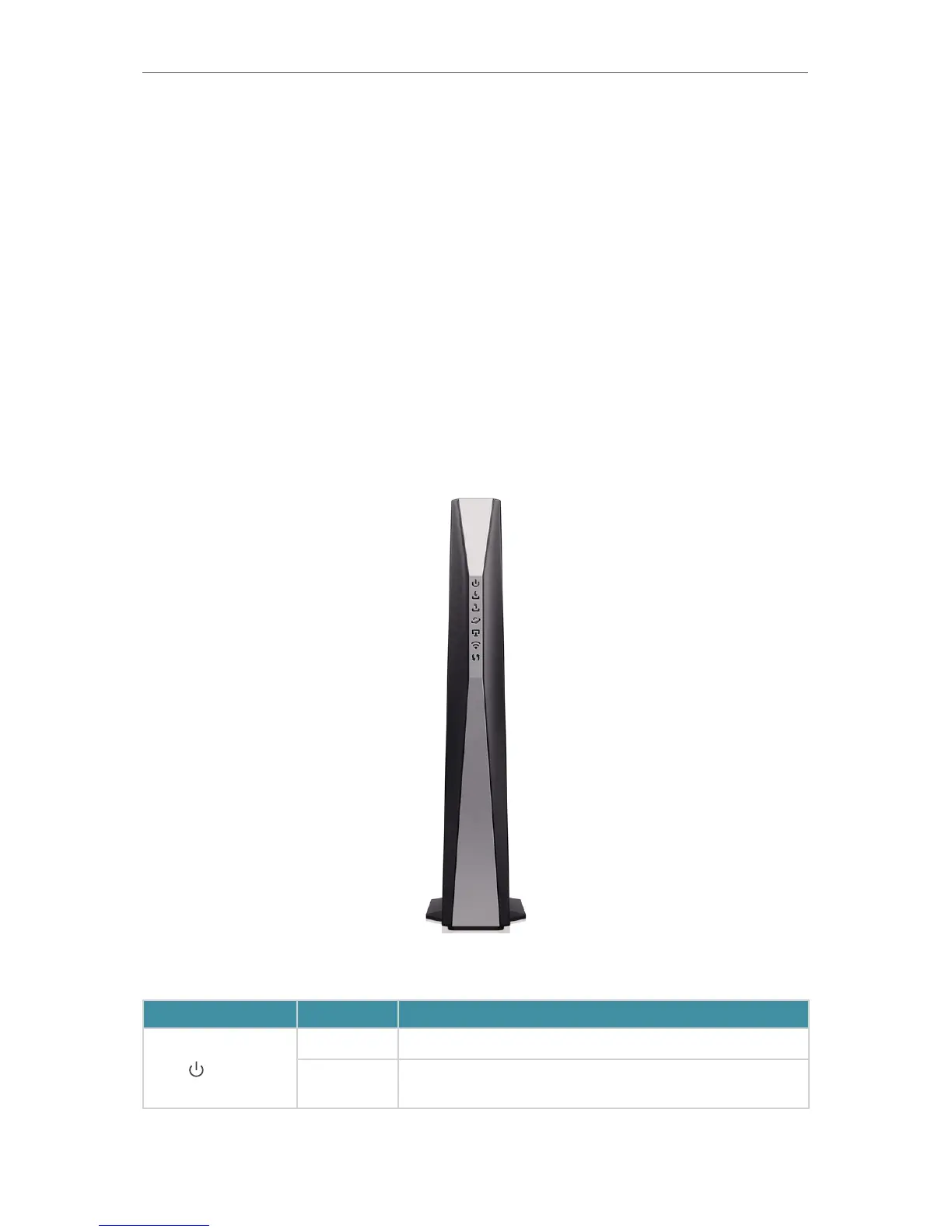
1. 2. 1. Front Panel
The front panel provides LEDs. You can check the modem router’s working status by
following the LED Explanation table.
LED Status
Indication
Power
On Power is on.
Off
Power is off. Please ensure that the power adapter is
connected correctly.














 To Next Page