70
Chapter 11
Administrate Your Network
11. 2. Set System Time
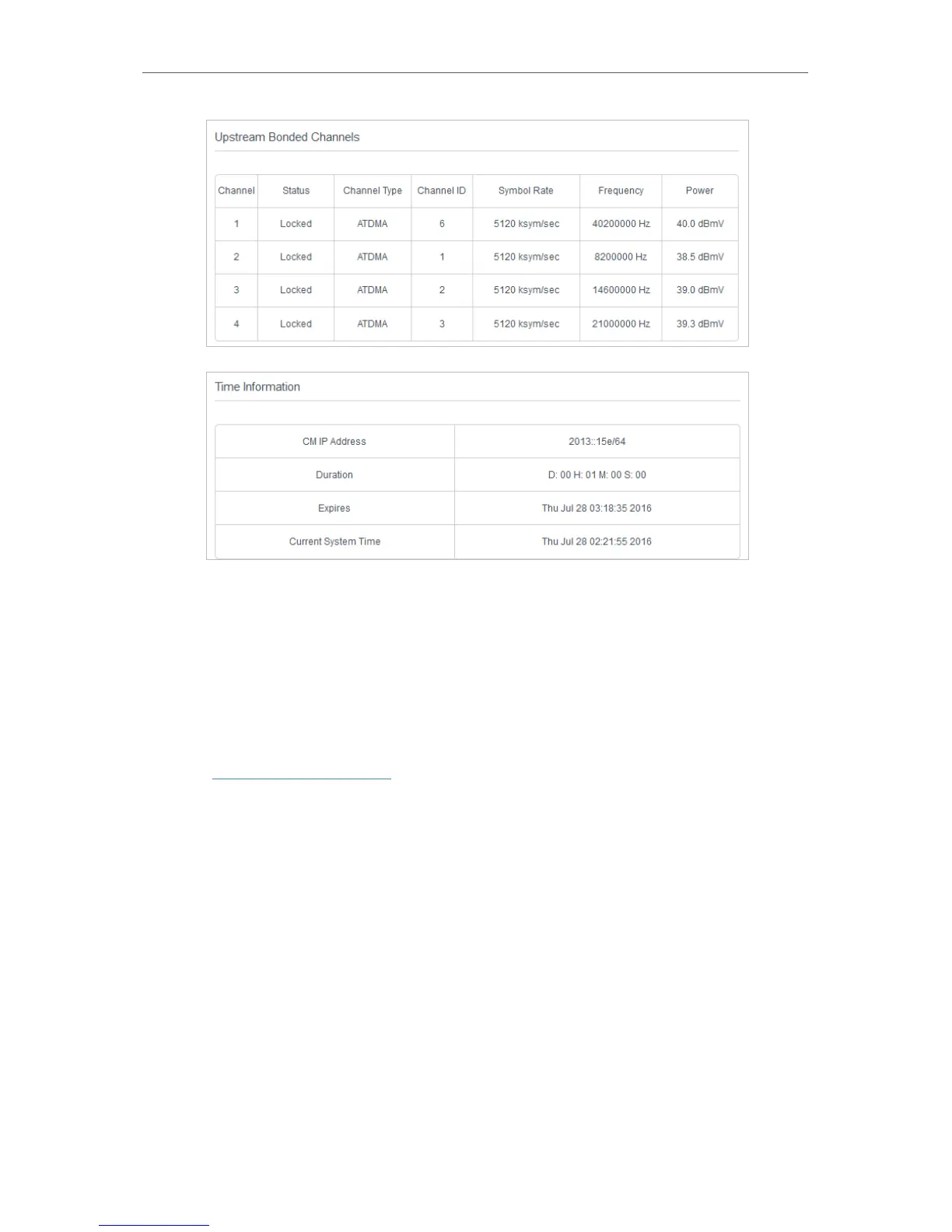
System time is the time displayed while the modem router is running. The system time
you configure here will be used for other time-based functions like Parental Control.
You can manually set how to get the system time.
Follow the steps below to set your system time.
1. Visit http://tplinkmodem.net, and log in with the username (admin) and password
(admin or the one customized by you).
2. Go to Advanced > System Tools > Time Settings page.


 To Next Page