11
Chapter 2
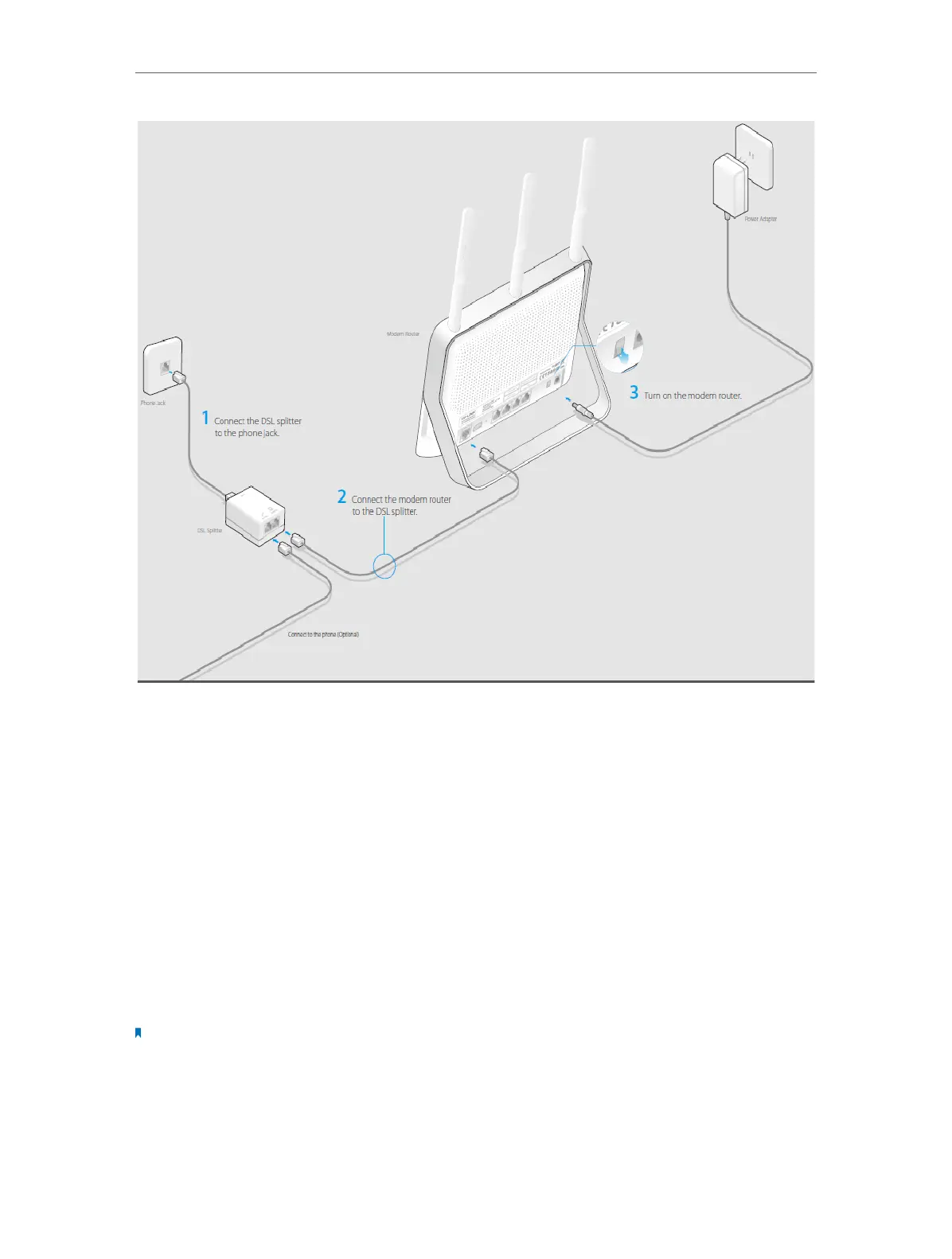
Connect the Hardware
2. Connect your computer to the modem router.
Method 1: Wired
Connect your computer’s Ethernet port to the LAN port on the modem router via the
Ethernet cable.
Method 2: Wirelessly
Use the default SSID (Wireless Network Name) and Wireless Password printed on the
product label of the modem router to connect wirelessly.
Method 3: Use the WPS button
Wireless devices that support WPS, including Android phones, tablets, most USB
network cards, can be connected to your router through this method. (WPS is not
supported by iOS devices.)
Note:
The WPS function cannot be configured if the wireless function of the router is disabled. Also, the WPS function will
be disabled if your wireless encryption is WEP. Please make sure the wireless function is enabled and is configured
with the appropriate encryption before configuring the WPS.
1 ) Tab the WPS icon on the device’s screen.
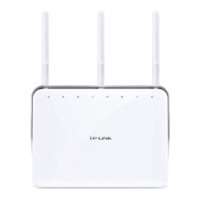
2 ) Immediately press the WPS button on your modem router.












 To Next Page