5
Chapter 1
Get to Know About Your Modem Router
• SPI and NAT firewall protects end-user devices from potential attacks from the Internet
• WPA-PSK/WPA2-PSK encryptions provide user networks with active defense against
security threats.
• Supports remote configuration and management through SNMP and CWMP.
• Easy one-touch WPA wireless security encryption with the WPS button.
• Wi-Fi On/Off Button allows users to turn their wireless radio on or off.
• LED Button allows users to turn on or turn off the LEDs without affecting the modem
router’s function
• Supports firmware upgrade and Web management
• Supports Virtual Server, DMZ host and Port Triggering
• Supports Dynamic DNS, UPnP and Static Routing
• Supports system log and flow Statistics
• Supports IPv6
1. 3. Panel Layout
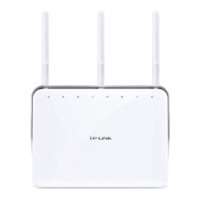
1. 3. 1. Top View
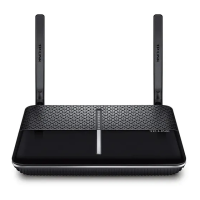
The modem router’s LEDs are located on the top panel (View from top to bottom). You
can check the modem router’s working status by following the LED Explanation table.












 To Next Page