72
Chapter 12
Specify Your Network Settings
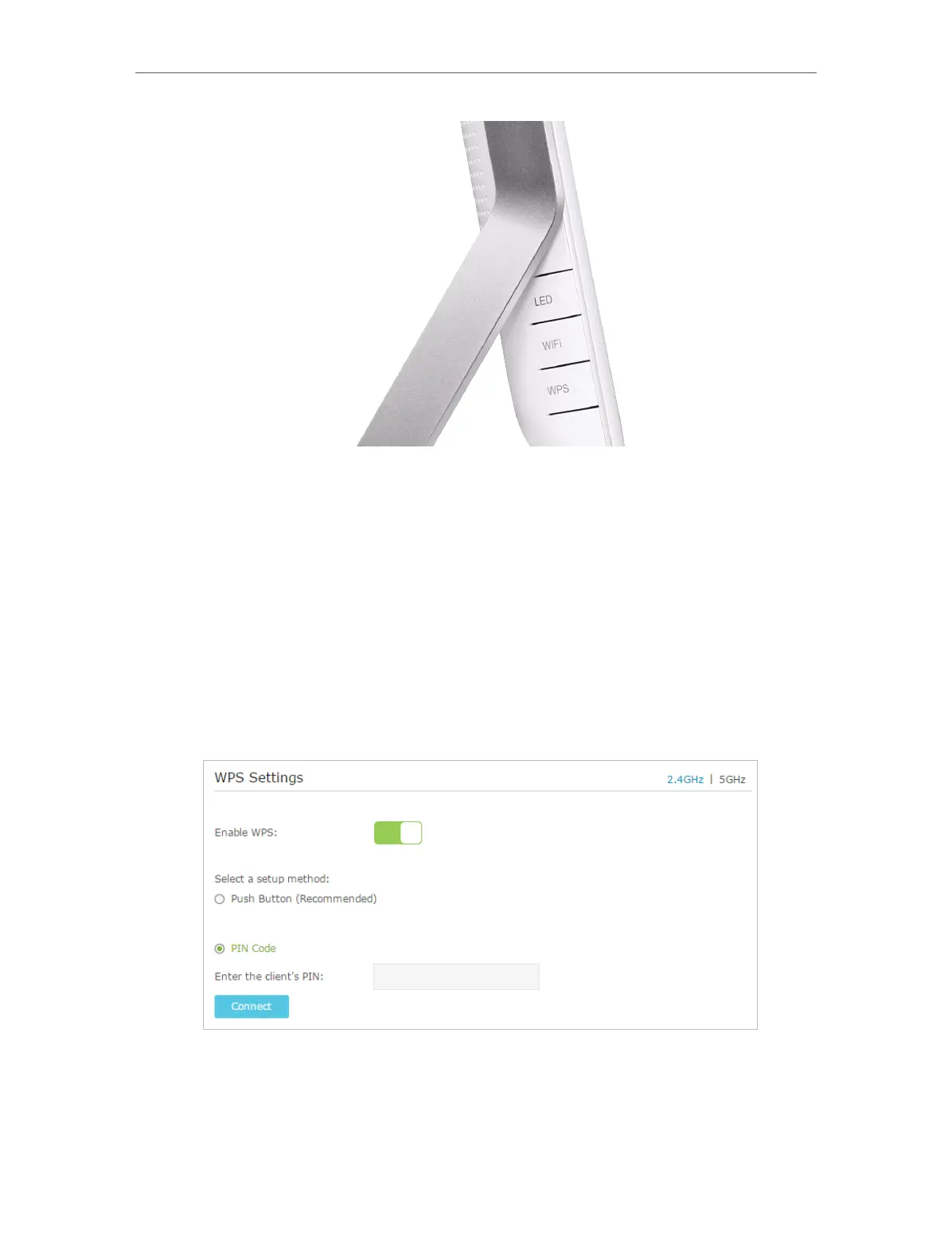
2. Press the WPS button of the client device directly.
3. The WPS LED flashes for about 3 minutes during the WPS process.
4. When the WPS LED is on, the client device has successfully connected to the
modem router.
Method 2 Enter the client device’s PIN on the modem router
1. Visit http://tplinkmodem.net, and log in with the password you set for the modem
router.
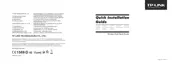
2. Go to Advanced > Wireless >WPS page. Select the wireless network 2.4GHz or 5GHz
according to your wireless client.
3. Keep the default WPS status as Enabled and select the PIN Code radio button.
4. Enter the client device’s PIN in the field on the above WPS screen. Then click the
Connect button.












 To Next Page