23
Settings
Filtering:
Check the box to enable MAC Filtering.
Station MAC Group
Follow the steps below to add MAC groups.
Step 1:
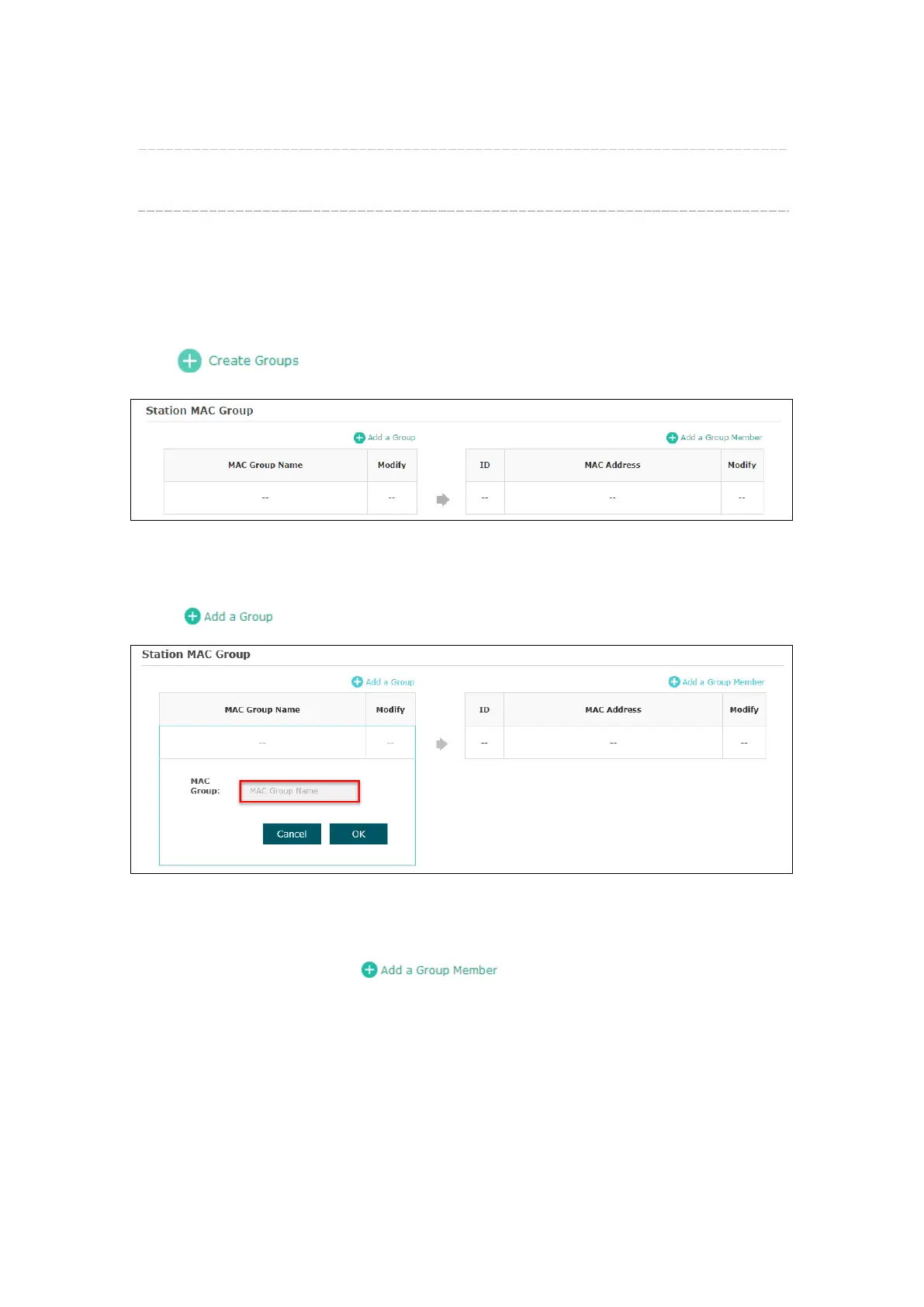
Click , two tables will be shown.
Figure 5-19 Station MAC Group
Step 2:
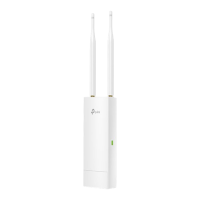
Click and fill in a name for the MAC group.
Figure 5-20 Add a Group
Step 3:
Select one MAC group, click and input the MAC address you want
to organize into this group.








 To Next Page