5
Chapter 1
Wi-Fi Button
Press for 1 second to start copying Wi-Fi settings from the router.
Press and hold for about 5 seconds to turn Wi-Fi on or off.
Pair Button
Press and hold for 1 second to set up or join a secure powerline network.
Press and hold the Pair button for at least 6 seconds, then release the button to reset
the adapter/extender to default settings.
Ethernet Port
Connect the Ethernet ports to your wired devices, such as a computer, a router or a game
console, via Ethernet cables.
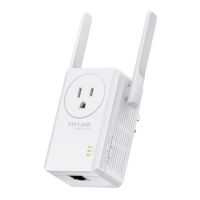
Integrated Electrical Socket
Used as a pass-through AC outlet to power other devices. It also reduces some electrical
noise that may interfere with powerline performance.
Note:
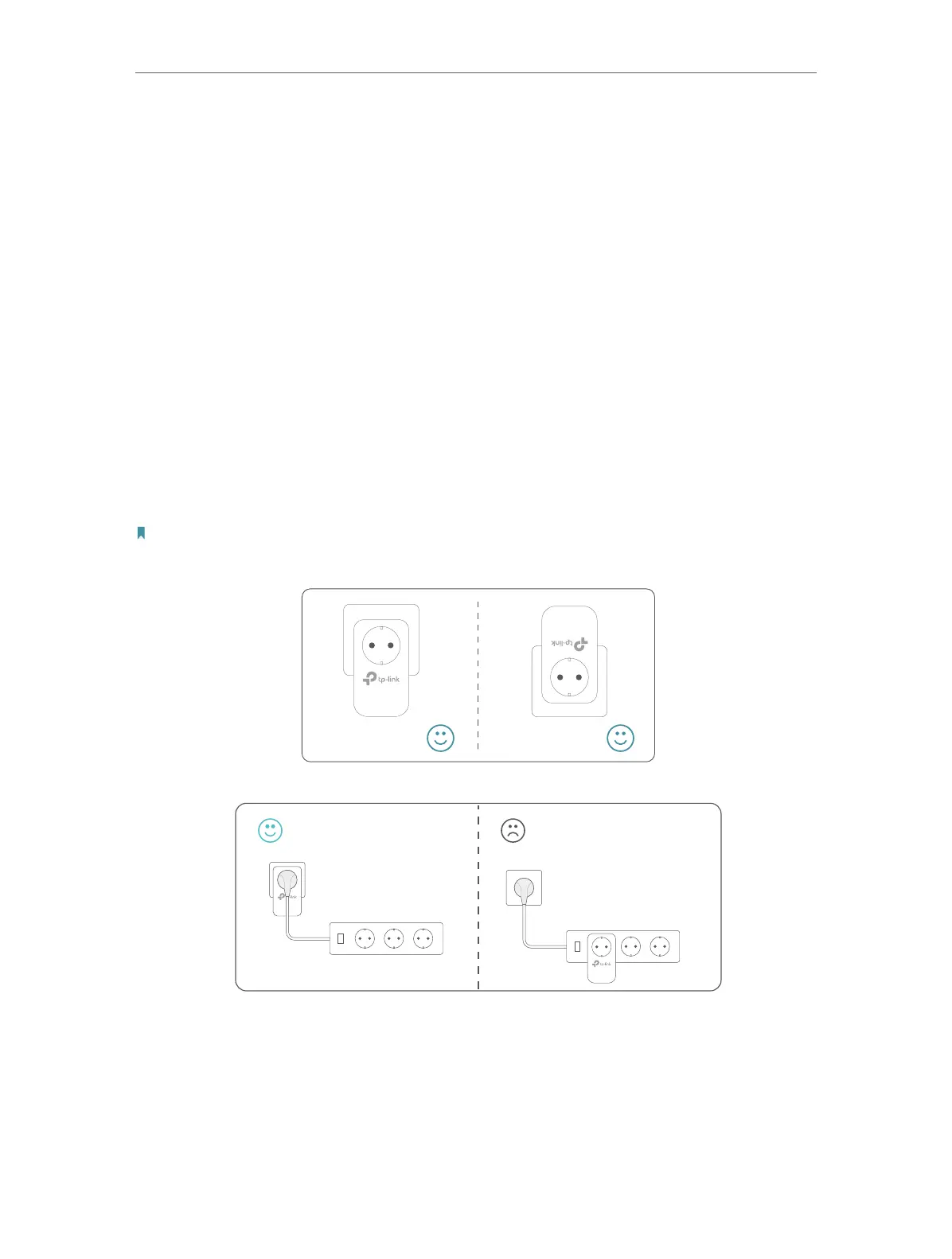
1. Use the product in below directions.
2. Plug the product directly into a wall socket instead of a power strip.
Wall Outlet
Power Strip



 To Next Page