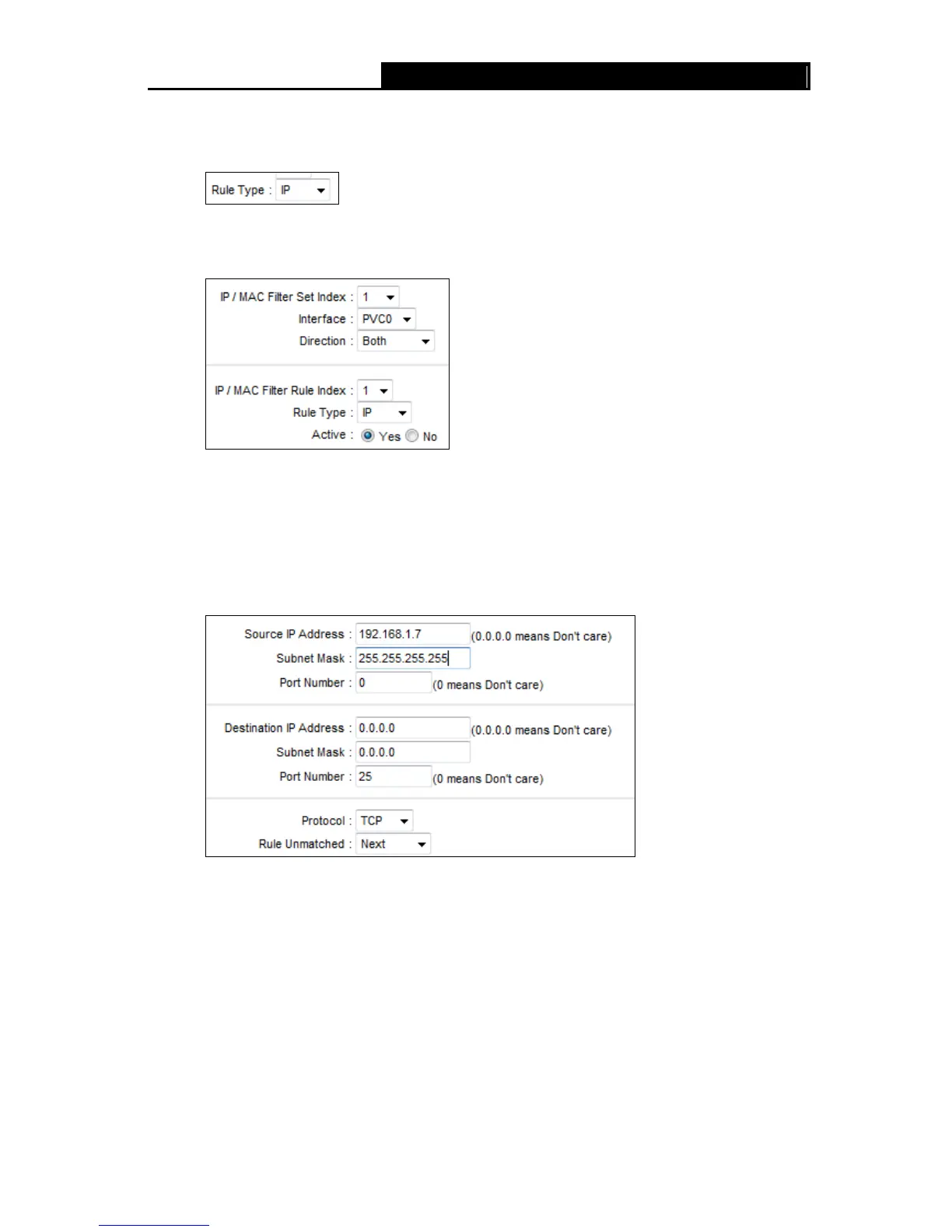
Select the “IP” as the Rule Type on the Filter screen, then you can configure the specific
rule for the example.
Step 2: Select the IP/MAC Filter Set Index and IP/MAC Filter Rule Index for the rule, then
select the Interface “PVC0”, and select the Direction “Both” for the first rule.
Note:
If you want to make the rule take effect, please select Yes to active the rule.
Step 3: Enter the “Source IP Address”, “Destination IP Address”, “Subnet Mask” and “Port
Number” in the corresponding field.
Step 4: Select the Protocol as “TCP” and select the Unmatched rule as “Next”.
Step 5: Finally, click the SAVE to save the entry.
Step 6: Go to Step 2 to configure the next two rules: Block E-mail received by the IP address
192.168.1.7 on your local network; Make the PC with IP address 192.168.1.8 unable to
visit the website of IP address 202.96.134.12.
Note:
After you complete the IP filter rules for the example, the Filter list will show as follows. You can
enter the IP / MAC Filter Set Index to view the information about the rule.
64



 To Next Page