TD-W8950ND 150Mbps Wireless N ADSL2+ Modem Router User Guide
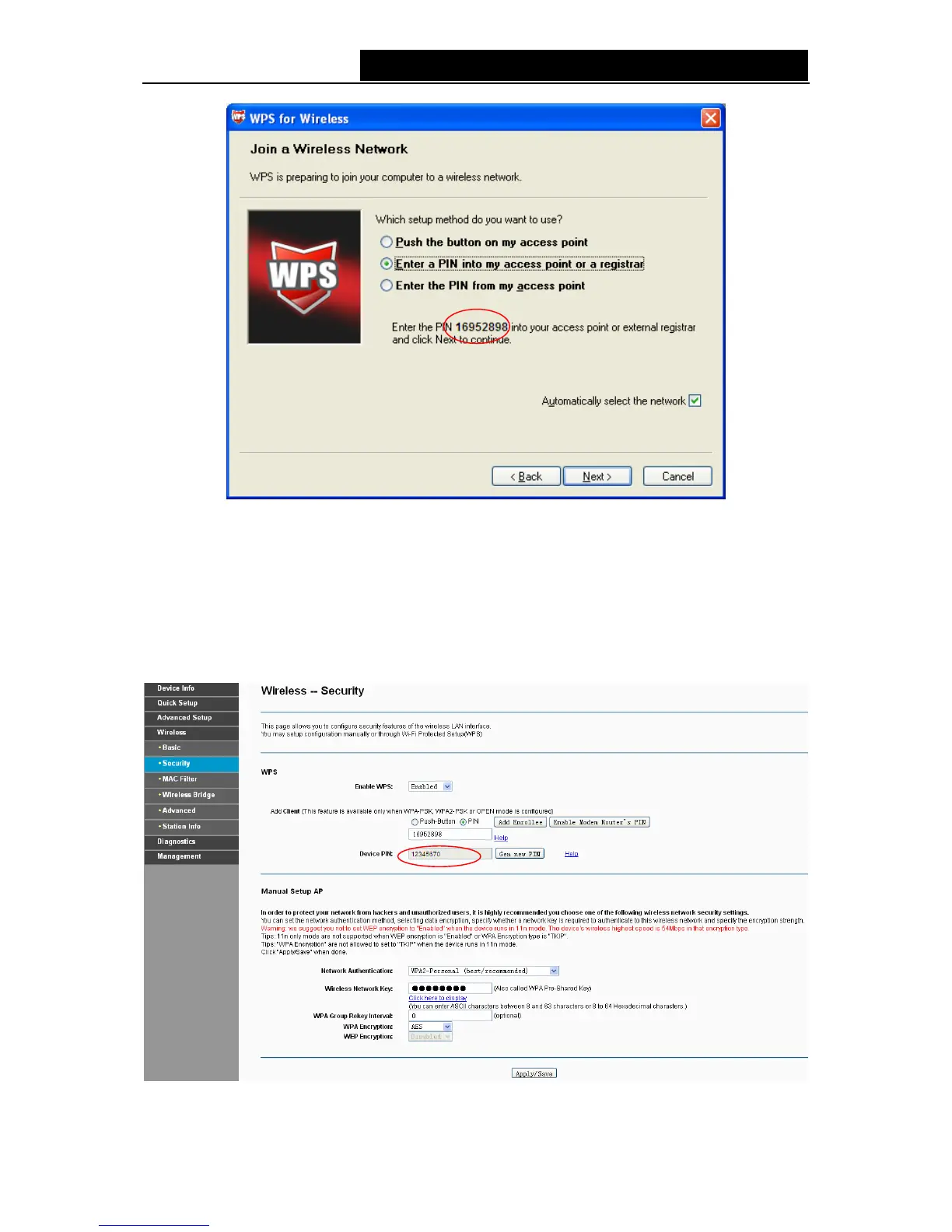
Figure 4-72
)
Note:
In this example, the default PIN code of this adapter is 16952898 as the preceding figure shown.
Method Two: Enter the PIN of my modem router into the wireless adapter.
Step 1: Get the Current PIN code generated by the modem router as shown below. You can click
Gen New PIN to get a new PIN code for modem router.
Figure 4-73
67



 To Next Page