TD-W8950ND 150Mbps Wireless N ADSL2+ Modem Router User Guide
4.7.1.3 Restore Default
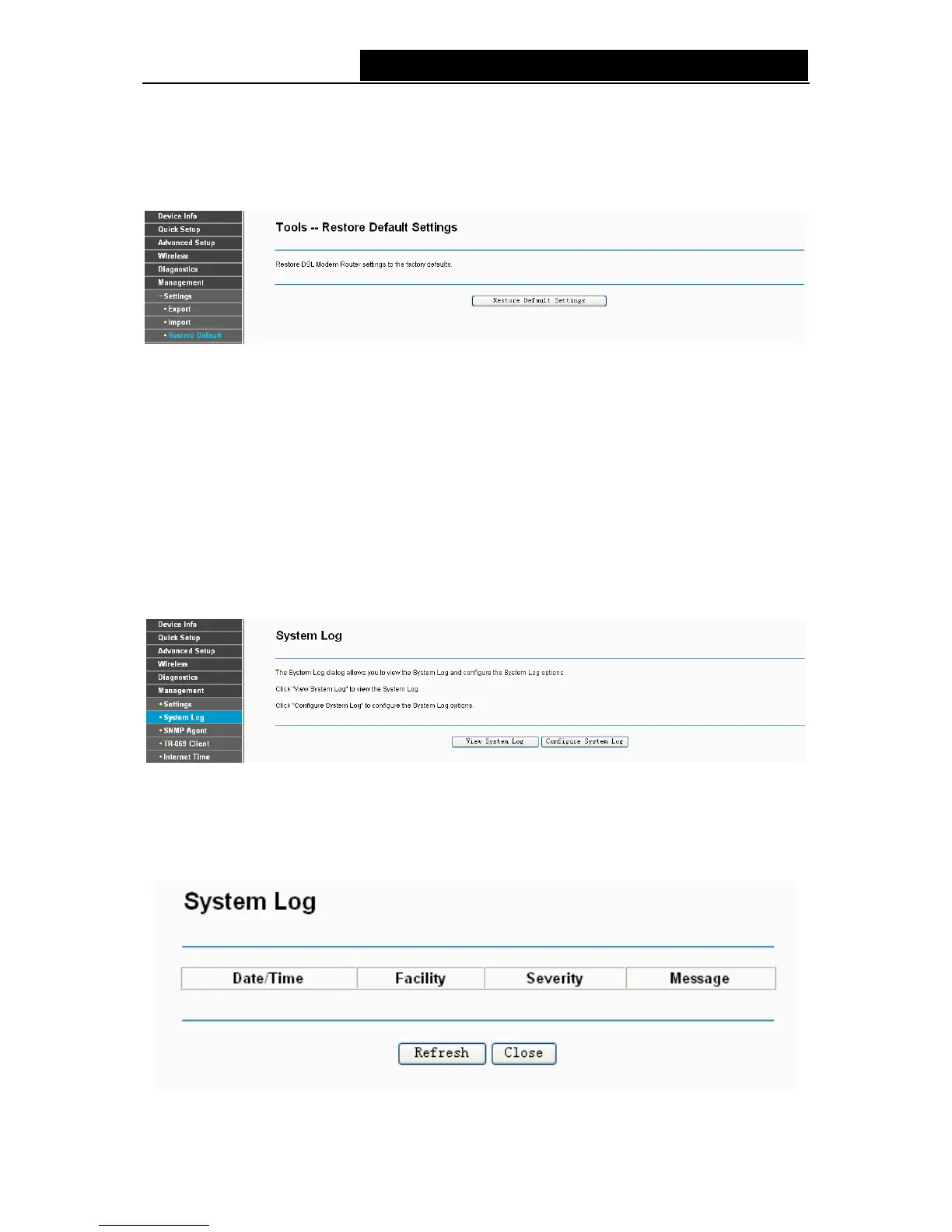
Choose “Management”Æ“Settings”Æ“Restore Default”, you can see the Restore Default
screen, this screen (shown in Figure 4-101) allows you to restore the modem router’s configuration
to the factory defaults on the screen.
Figure 4-101
¾ Restore Default Settings: Click this button to restore the modem router’s configuration to the
factory defaults, and then follow the on-screen instructions to complete it.
¾ Account and Password: The default account name and its password are both admin.
¾ The default IP Address: 192.168.1.1.
¾ The default Subnet Mask: 255.255.255.0.
4.7.2 System Log
Choose “Management”Æ“System Log”, you can see the System Log screen, this screen
(shown in Figure 4-102) allows you to view the system log and configure the system log options.
Figure 4-102
To View the System Log:
Click the View System Log button, you will see the screen (shown in Figure 4-103) which displays
the modem router’s recent logs.
Figure 4-103
84



 To Next Page