TD-W8950ND 150Mbps Wireless N ADSL2+ Modem Router User Guide
Figure 4-96
4.7.1.1 Export
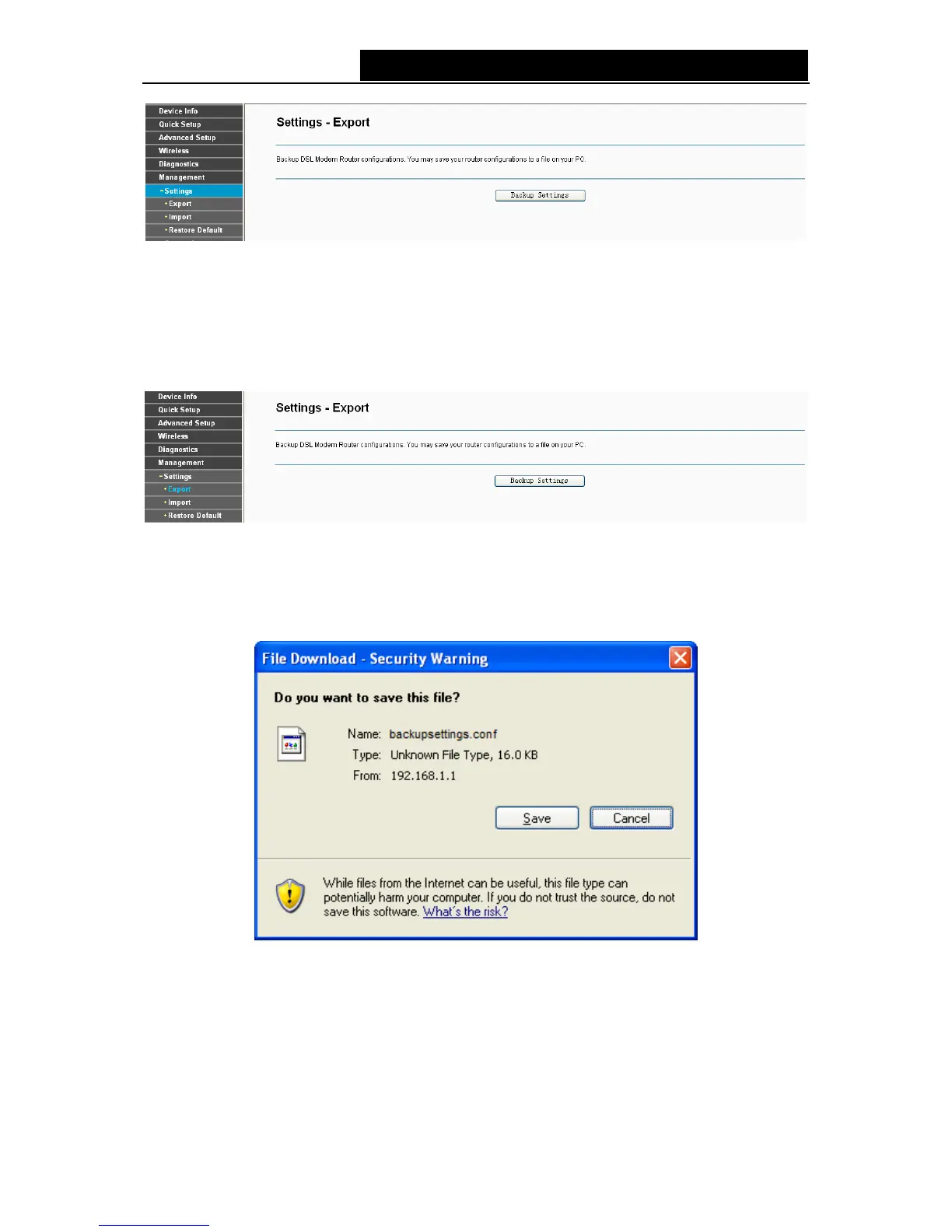
Choose “Management”Æ“Settings”Æ“Export”, you can see the Export screen, this screen
(shown in Figure 4-97) allows you to save the current configuration of the modem router as a
backup file.
Figure 4-97
To back up the modem router’s current settings:
1. Click the Export Settings button on the preceding screen (pop-up Figure 4-97), the
following screen will then appear (shown in Figure 4-98).
Figure 4-98
2. Click the Save button, and save the file as the appointed file (shown in Figure 4-99).
82



 To Next Page