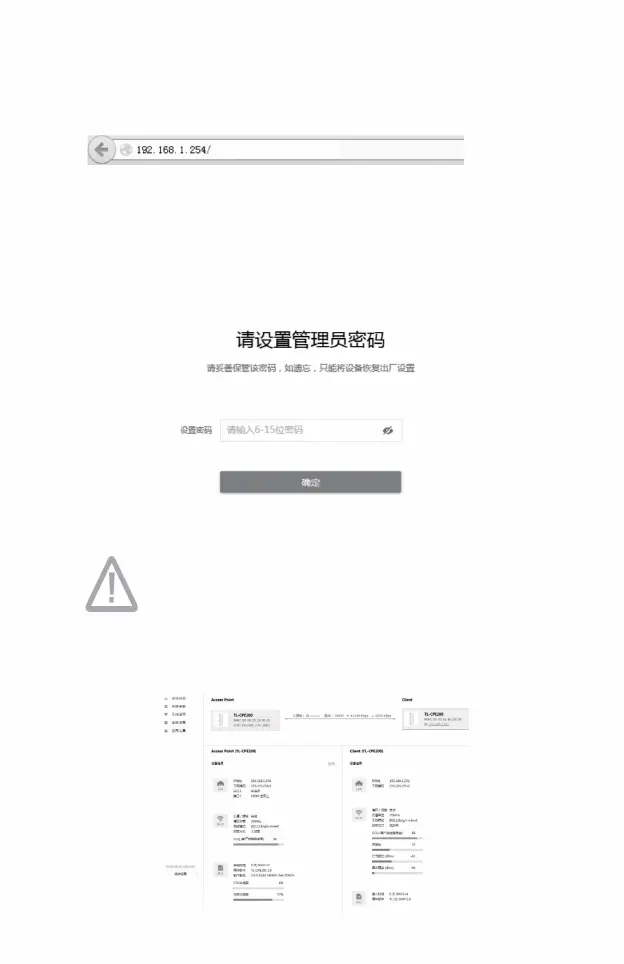
• Click the <Login> button
As shown below.
,
Fill in the parameters as follows:
• Set password: You need to set a password when logging in for the first time.
5) After successful login, you will enter the system status page
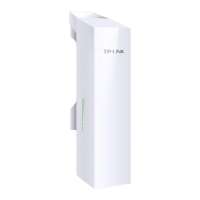
3) Wireless CPE’s first login page
,
When logging in for the first time, the password length must be no less than 6 characters (including English letters, numbers and
Please directly enter the username and password you set to log in.
,
2) Open the browser, enter http://192.168.1.254 in the address bar and press Enter to log in.
,
push
Record the Web management interface. To ensure a better experience of Web page display,
it is recommended to use the latest version of Chrome/Safari/Firefox browser.
Recorded during the subsequent login
process .
09
combination of symbols).
Machine Translated by Google




 To Next Page