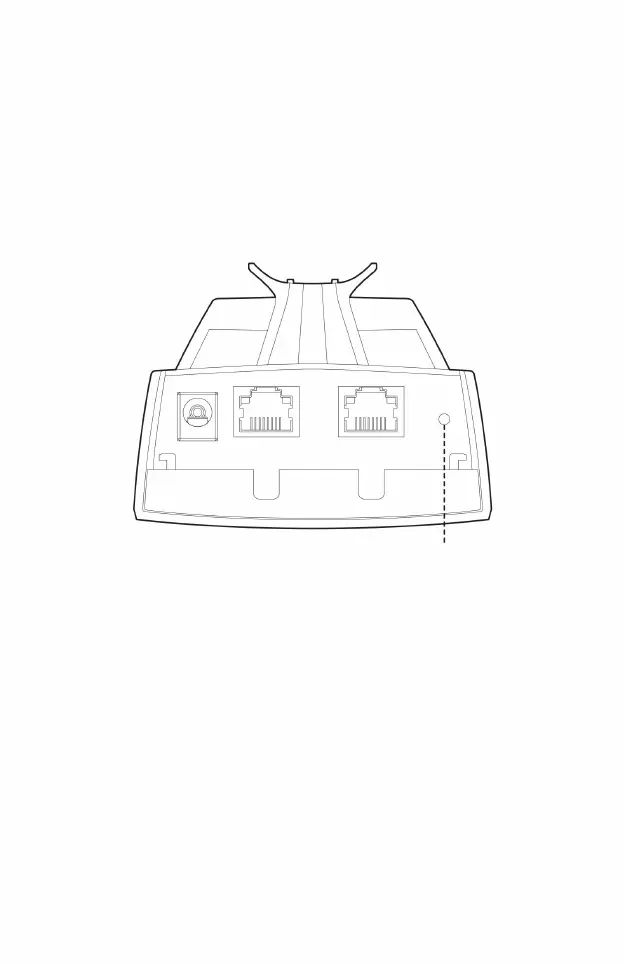
Question 1. How to restore factory settings?
The indicator light starts to flash and then the
system will automatically restart and restore to factory settings.
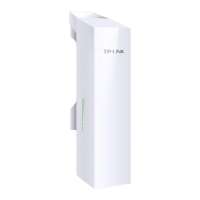
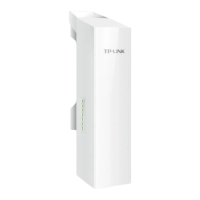
When the CPE is powered on, press and hold the RESET button of the CPE for about 8 seconds until the wireless signal
,
method 1:
twenty one
Frequently Asked Questions
The intensity indicator light starts flashing
RESET key
Press and hold for about 8 seconds to activate wireless signal
Machine Translated by Google




 To Next Page