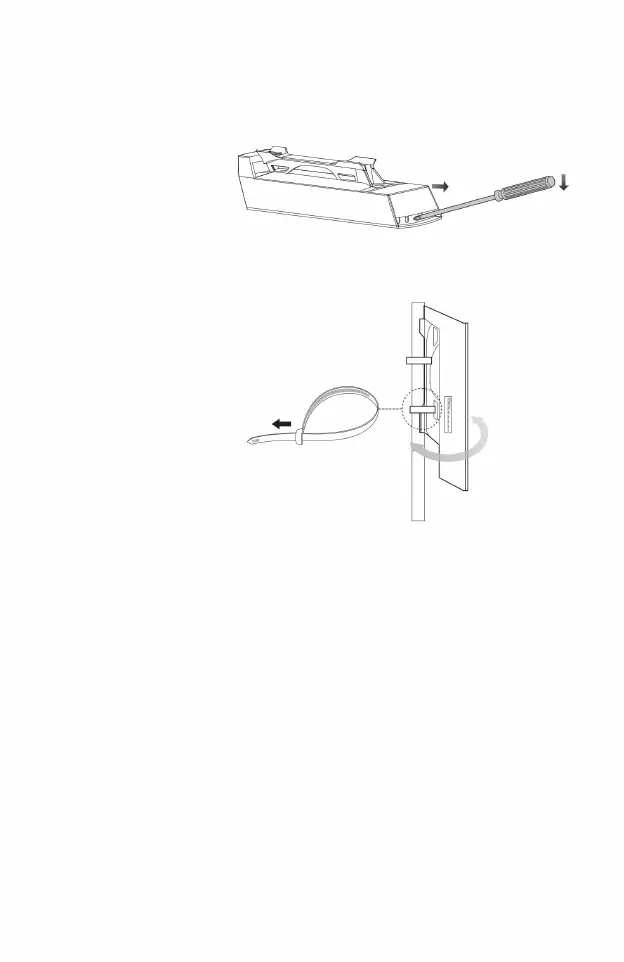
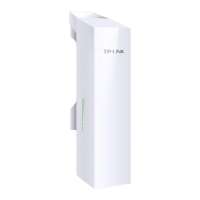
Please refer to the figure below for connection and installation.
,
Adjust the device
fixed on the support
OK
If it is difficult,
please refer to the steps on the right.
Use zip ties as shown on the right to secure the device
The sliding cover is designed to be tight and will fall off if opened.
To ensure that it is not easy to slide the cover when CPE is working outdoors
,
To facilitate the completion of the network cable connection
ÿ Press the screwdriver down to force the sliding cover to slide forward.
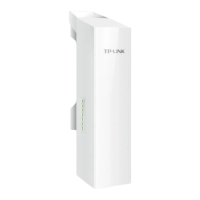
Please open the sliding cover on the CPE shell first.
ÿ Insert the screwdriver into the gap between the CPE shell and the sliding cover
,
,
,
facing the wireless coverage area
,
2. Connection and installation
05
Machine Translated by Google




 To Next Page