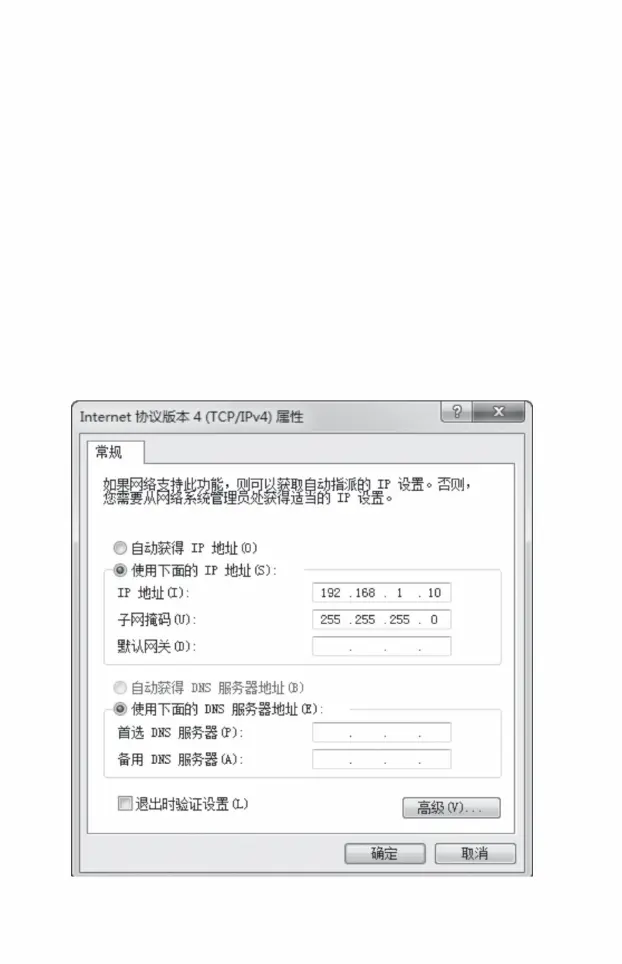
1. Log in to the web management interface
,
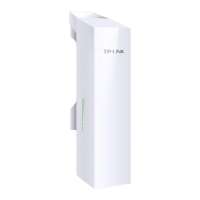
1) Introduce the method of logging into the Web management interface of wireless CPE.
is 192.168.1.X, X is any integer from 2 to 253, and the subnet mask is set to
,
introduce
Main contents of this chapter:
Please first set the IP address of the PC local connection
That is, point-to-point, point-to-multipoint and hotspot
,
1) Before logging into the Web management interface
2) Combine its software configuration methods with three
typical application scenarios.
255.255.255.0. As shown below.
Software configuration
08
Machine Translated by Google




 To Next Page