DC POE LAN
1
06
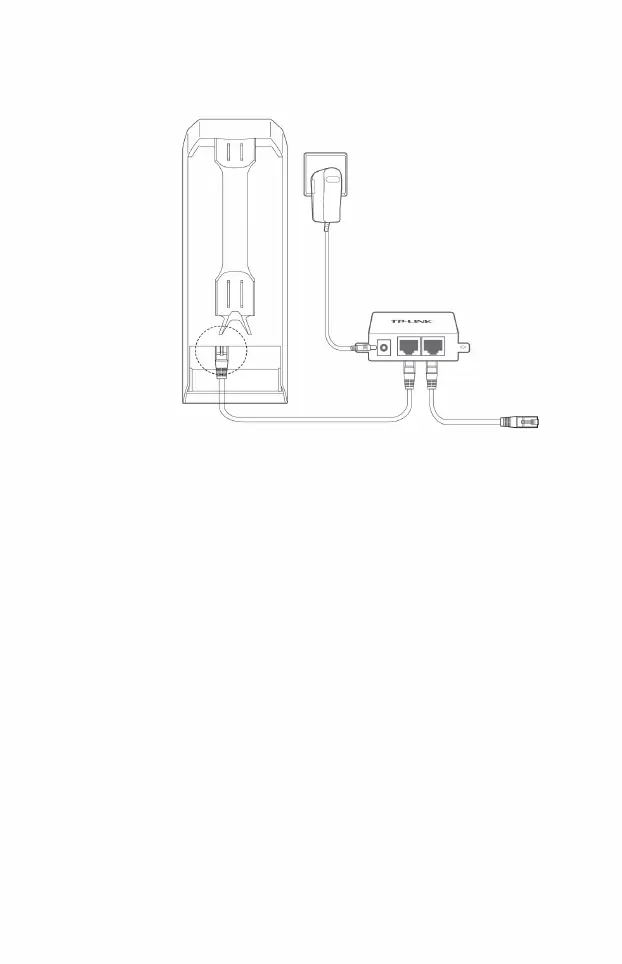
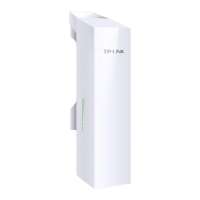
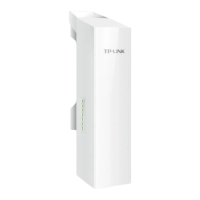
The steps to connect CPE and PassivePoE power supply are as follows:
Connect the other end of the network cable connected to the CPELAN0 port to the POE port of the
PassivePoE power supply.
2 According to the network topology, use a network cable to connect the LAN port of the PassivePoE power
supply to the PC, IPC or switch.
Connect the LAN port of the P o E
power supply to the PC, IPC or switch
according to the network topology
Power outlet
,
LAN0
Power on (Powered by Passive PoE power supply)
PoE
LAN
Machine Translated by Google







 To Next Page