22
Chapter 5
TP-Link Cloud Service
5. 4. Manage the Router via TP-Link Tether App
The Tether app runs on iOS and Android devices like smartphones and tablets.
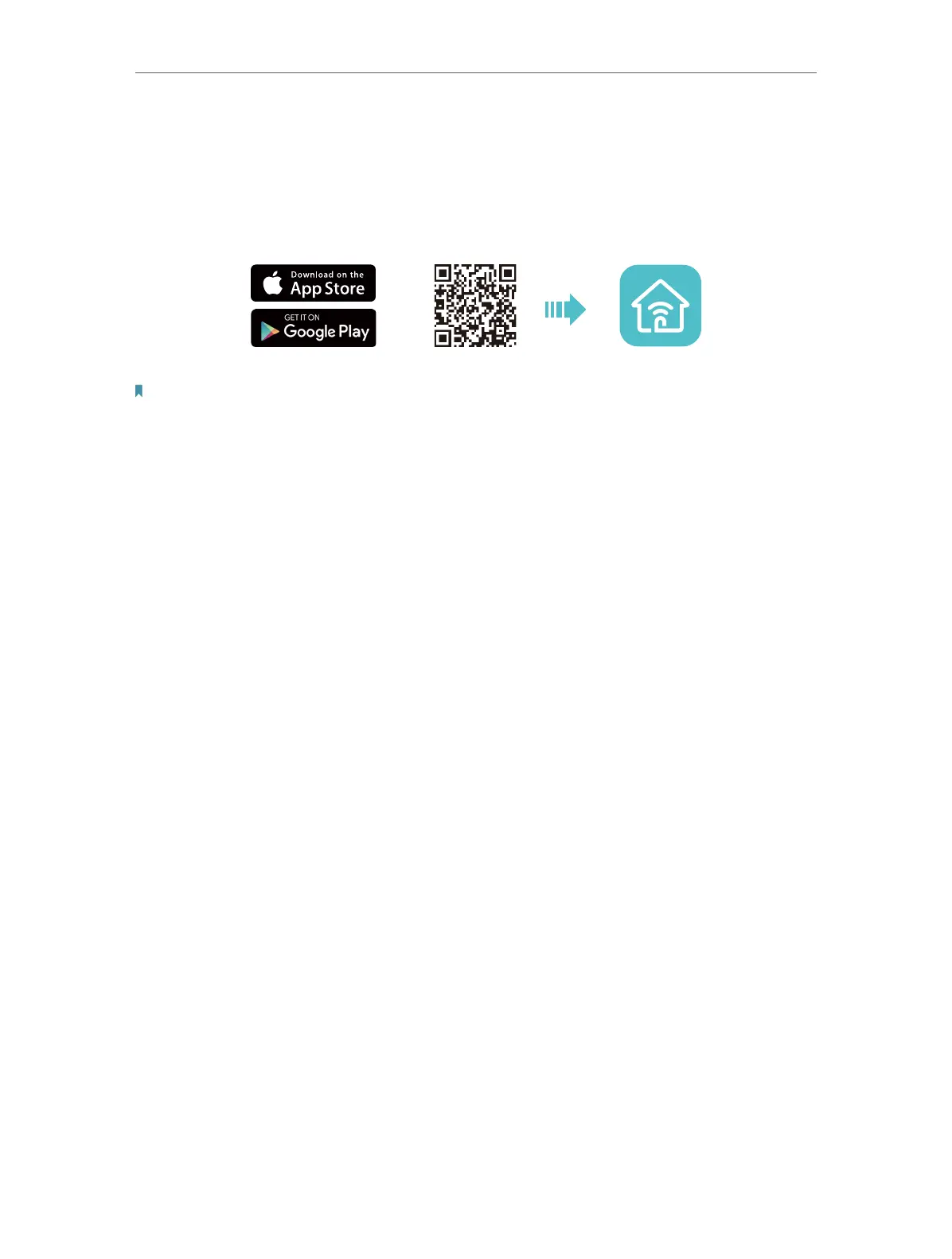
1. Open the Apple App Store or Google Play and search the key word TP-Link Tether or
simply scan the QR code to download and install the app.
OR
2. Launch the Tether app, and log in with your TP-Link ID.
Note: If you don’t have an account, create one first.
3. Click + on the top right corner and select Router > 3G/4G Router.
4. Follow app instructions to complete the process and then manager your router as
needed.






 To Next Page