82
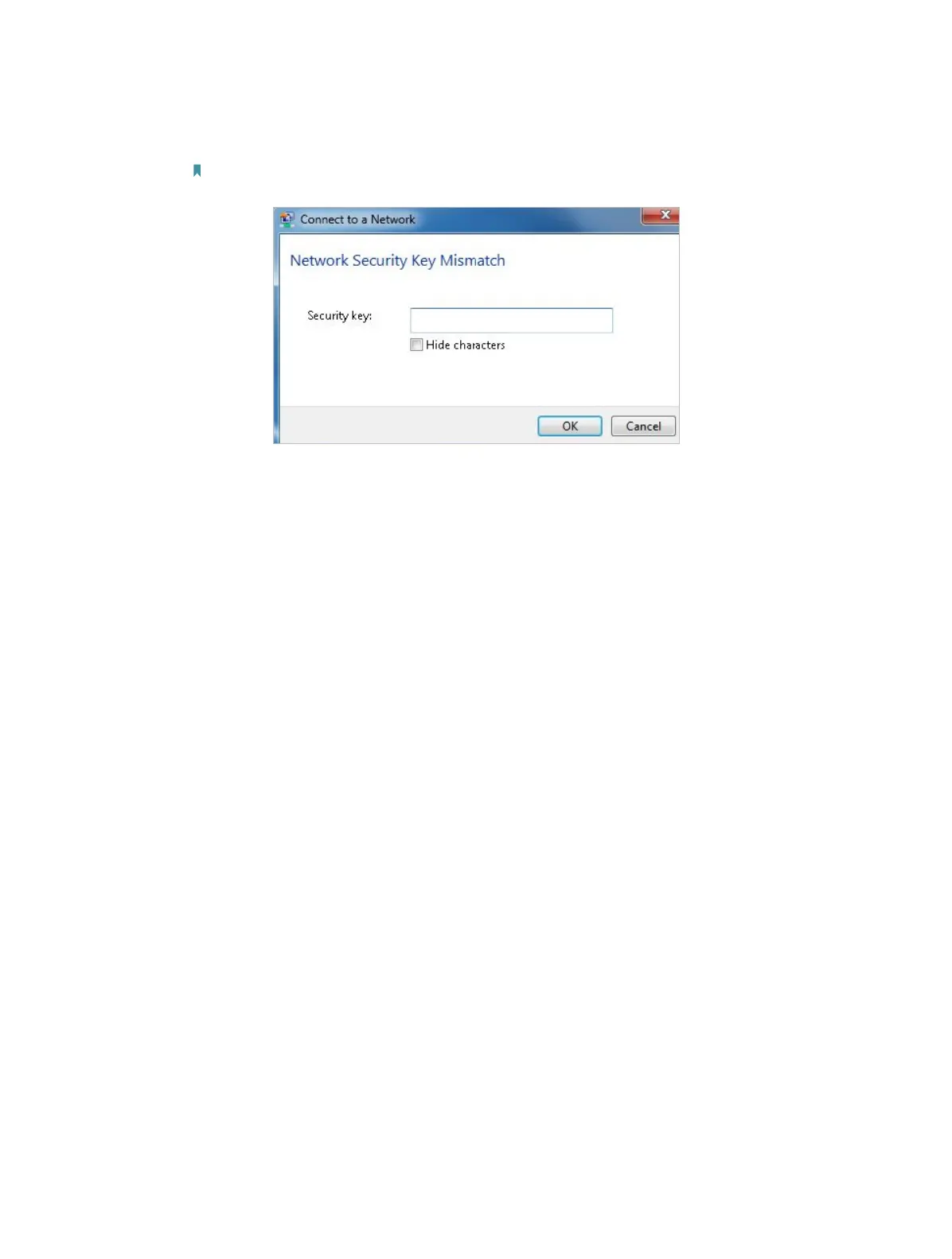
3 ) If it continues saying network security key mismatch, it is suggested to confirm
the wireless password on your wireless router/modem;
Note: Wireless password/Network Security Key is case-sensitive.
4 ) Connect to wireless network.
2. Windows was unable to connect to XXXX /Cannot join this network/Taking longer
than usual to connect to this network.
1 ) Check the wireless signal strength of your network, if it is weak (1~3 bars),
please move the router closer and try again;
2 ) Change the wireless Channel of the router to 1,6,or 11 to reduce interference
from other networks;
3 ) Re-install or update the driver for your wireless adapter of the computer;
4 ) Connect to wireless network.







 To Next Page