Installation Manual
2.5Gbps Ethernet Switch Installation Manual
ÿ To reduce the risk of electric shock, do not open the cover when the switch is working, even when it is not powered.
ÿ Keep the power turned off during the installation process, wear an anti-static wrist strap, and ensure that the anti-static wrist strap is in good contact with your skin.
necessary damage;
ÿ During use, please keep the bottom of the switch facing down and place it horizontally to avoid potential safety hazards.
2.5Gbps Ethernet Switch Installation Manual
ÿ Before powering on the switch, please confirm that it will not overload the power circuit, so as not to affect the normal operation of the switch or even cause inconvenience.
ÿ Before cleaning the switch, unplug the power plug, do not wipe it with wet fabric, and do not clean it with liquid;
Open by itself;
ÿ The switch must operate at the correct voltage. Please confirm that the power supply voltage matches the voltage marked on the switch;
contact to avoid potential safety hazards;
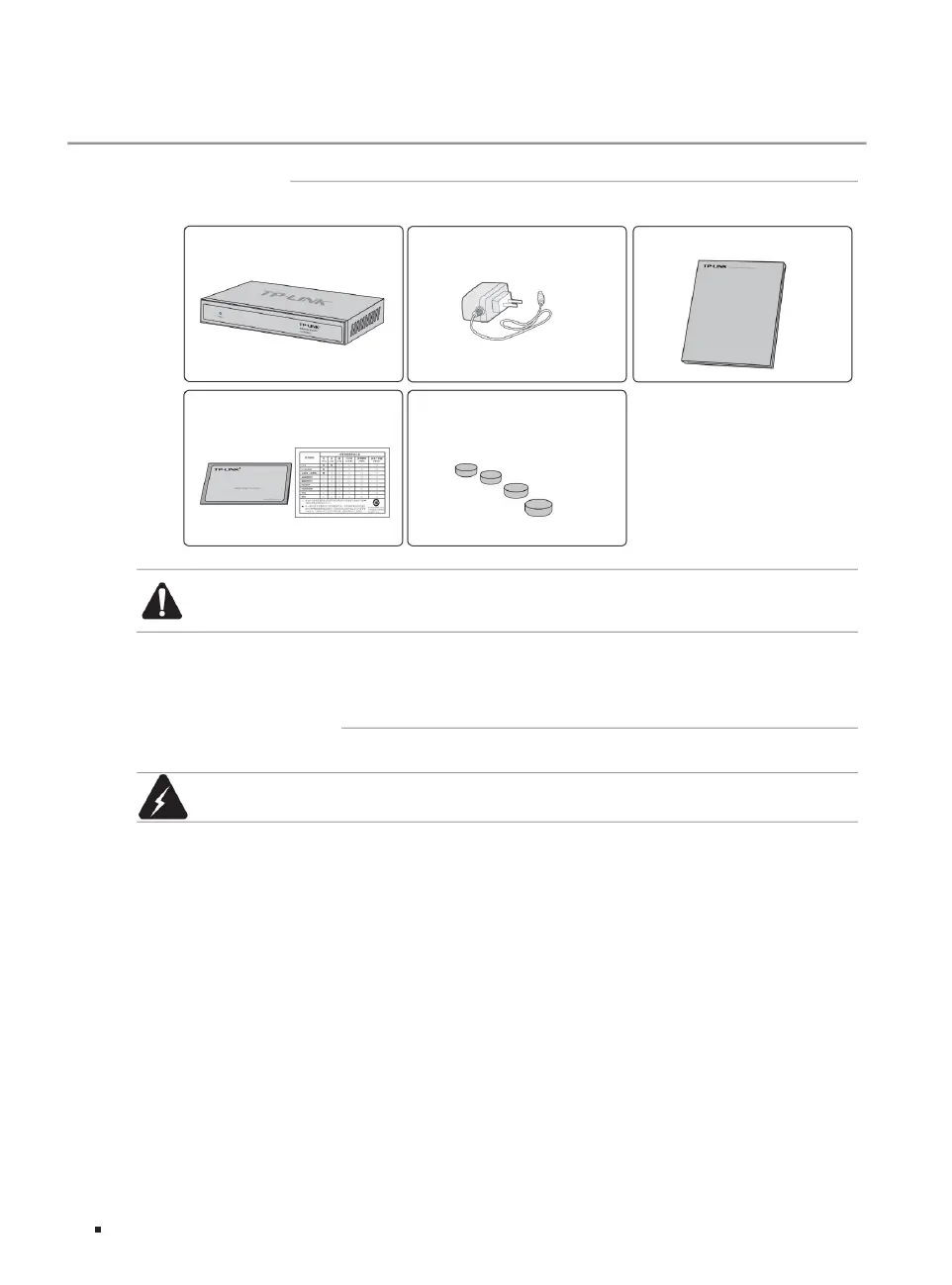
A warranty card and a toxic and hazardous substance
content statement
Warning: This is a Class A product. In a living environment, this product may cause radio interference. In such cases, the user may be required to take
practical measures against the interference.
a switch
an installation manual
Four foot pads
Note: ÿ
Four pads have been affixed to the bottom of the switch before
leaving the factory. ÿ If you find that there is a shortage or damage to parts, please contact your local dealer in time.
a power adapter
ÿ Installation safety precautions
2.1 Item list
2.2 Installation precautions
Warranty Card
Chapter 2 Product Installation
TL-SH1008
03Product installation
Machine Translated by Google



 To Next Page